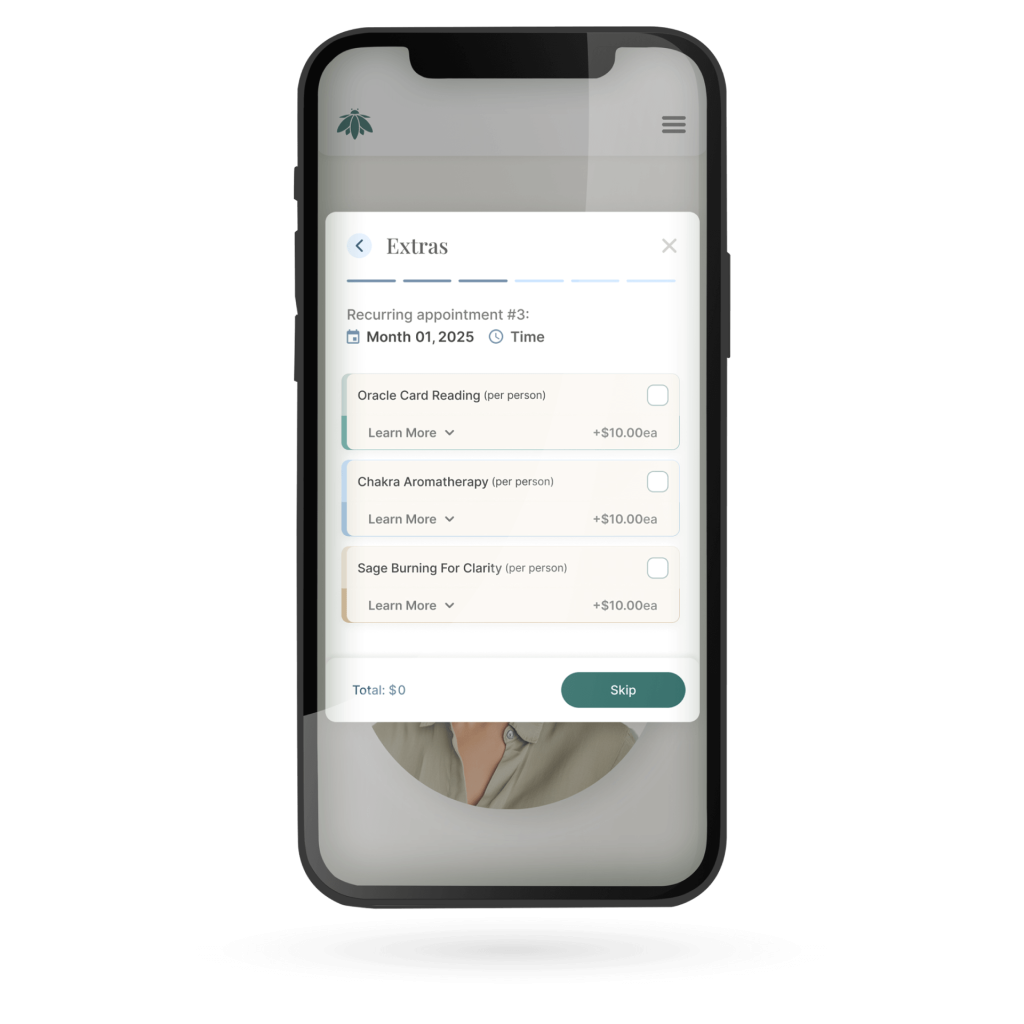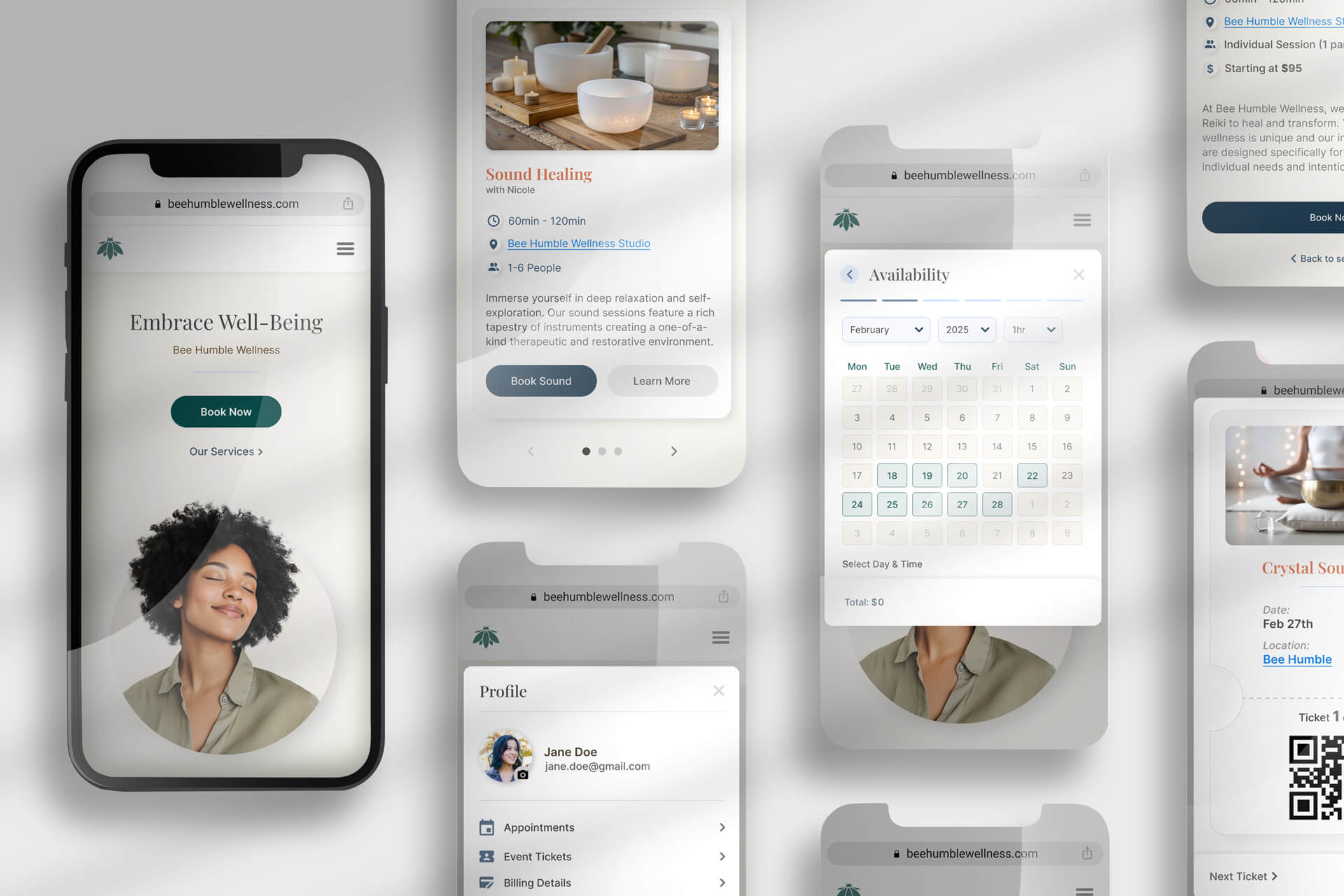
From Friction to Flow

Scaling Bee Humble Wellness Through an Automated, User-Centric Booking Ecosystem

Bee Humble Wellness, a high-energy local studio, was struggling with an outdated, manual booking process. Relying on phone calls and back-and-forth emails created a significant bottleneck, leading to missed appointments and administrative fatigue. This friction made it difficult for the studio to scale and prevented potential clients from easily accessing their services.

Deliverables

Custom Online Booking System
Responsive Website Design
Customer Dashboard
Service Catalog Optimization
Brand Identity Refresh

Role

UX/UI Designer

Timeline

12 weeks

Year

2025

RESEARCH

Contextual Inquiry & Observation
Competitive Analysis
User Survey
Secondary Research – Market Trends

DEFINE

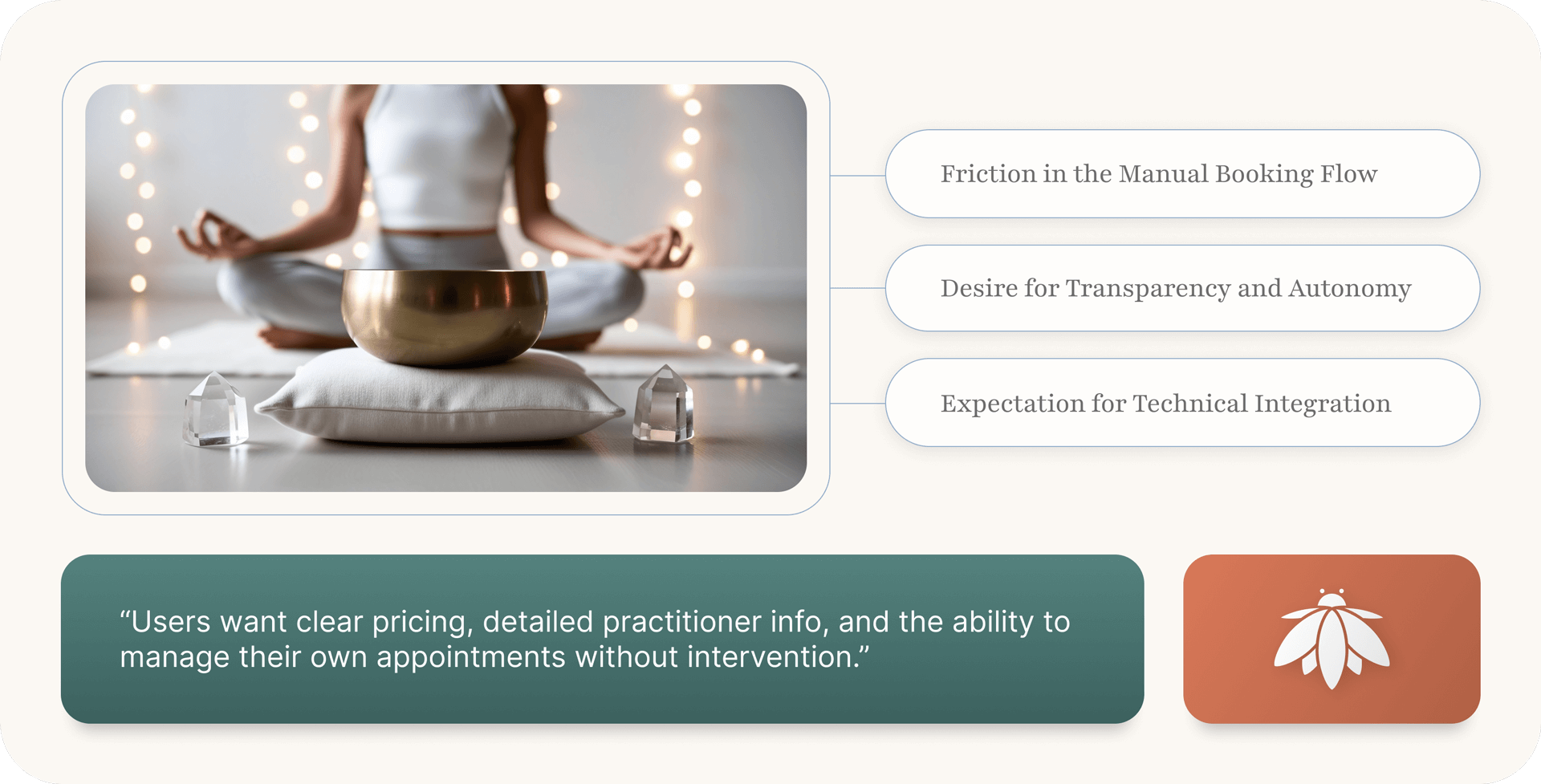
Users need an intuitive, self-service online booking system because the current multi-step process involving calls and emails is time-consuming and inconvenient, leading to frustration for both clients and staff, and ultimately hindering the company’s ability to efficiently serve clients who expect 24/7 digital accessibility.

IDEATE

By aligning user insights with core business objectives, I was able to transform technical solutions into a foundation for long-term growth and vitality. Prioritizing a seamless experience not only alleviates user frustration but also cultivates the loyalty and engagement necessary to drive organic conversions. Ultimately, this strategic alignment ensured that every initiative delivers sustainable value, creating a thriving ecosystem where both Bee Humble and its clients can flourish.

Streamlined digital booking system
Responsive / intuitive website navigation
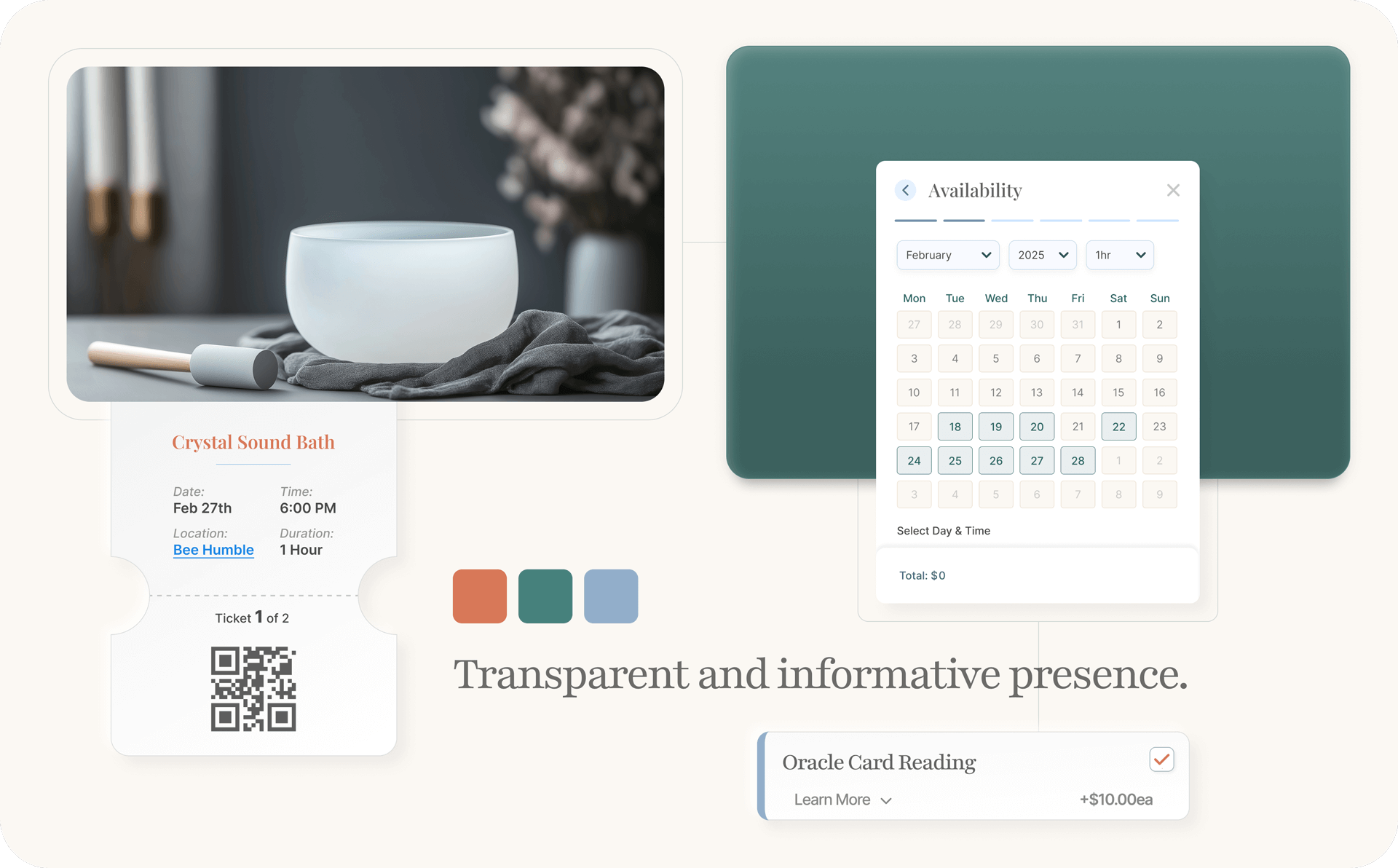
Transparent and informative presence
Calendar synchronization / integration
Automated confirmations and reminders
User-friendly booking management
Security, privacy and consent controls

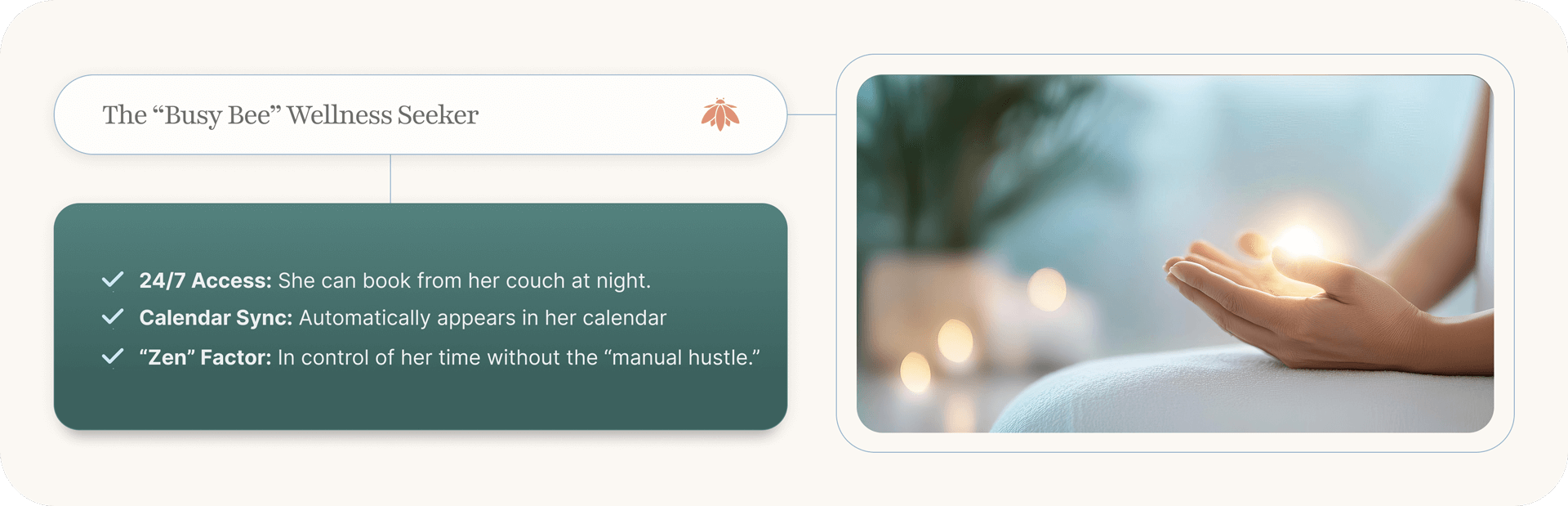
With a clear understanding of user pain points and business objectives established brainstorming was dedicated to bridging the gap between current manual inefficiencies and a future-state “zen” experience. By prioritizing features that balance user autonomy with operational simplicity, the goal was to transform raw research data into a cohesive, digital ecosystem that nurtures growth for both Bee Humble and its clients.

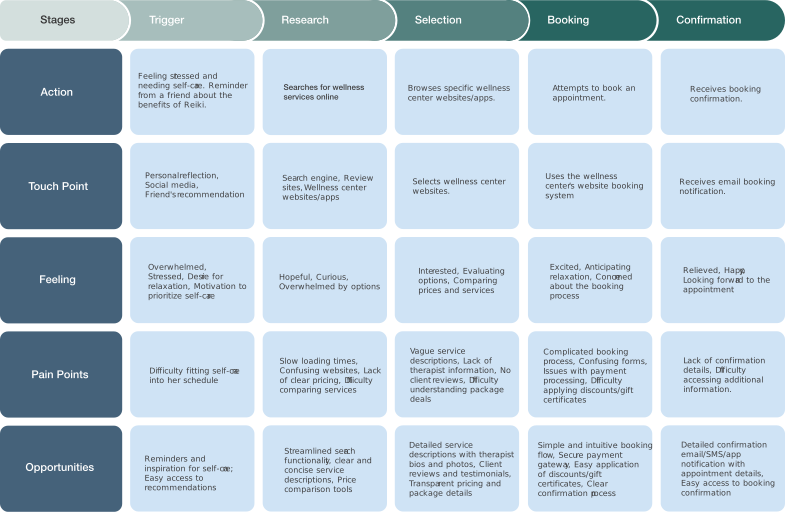
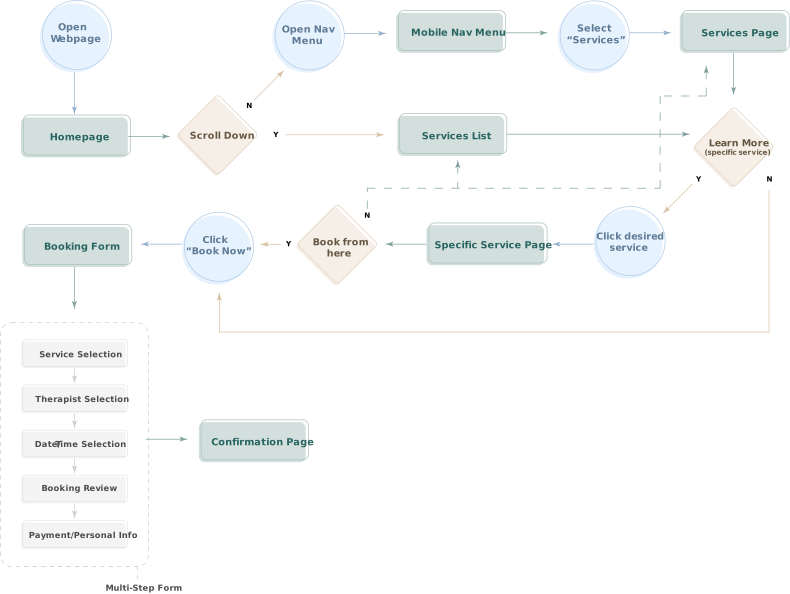
This visual journey charts the essential steps a client takes, from discovering offerings to confirming their appointment, focusing on clarity and ease.
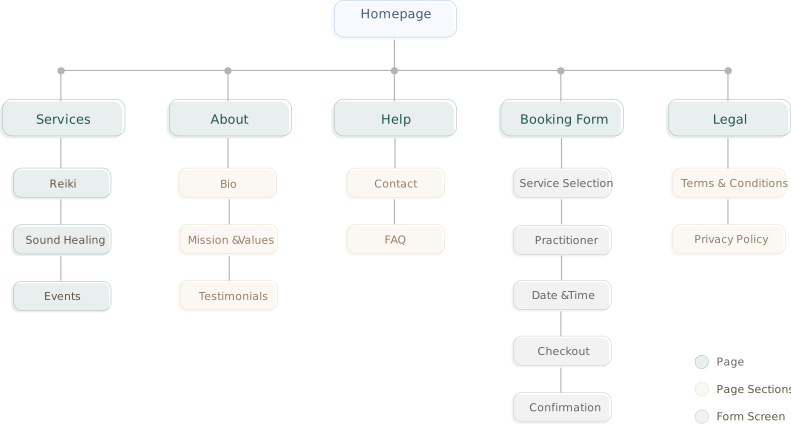
Bee Humble’s initial website sitemap focuses on the essential spaces visitors need to discover offerings, feel their resonance, and seamlessly book their wellness journey.
WIREFRAMES

I initially adopted a Minimum Viable Product (MVP) strategy, allowing me to prioritize core functionality while maintaining a strictly user-centered focus. By launching with essential features first, I could deliver immediate value to users and establish a feedback loop with early adopters. This iterative approach ensured that the platform’s evolution remains purposeful and responsive, allowing the booking experience to grow in direct alignment with user needs and business goals.

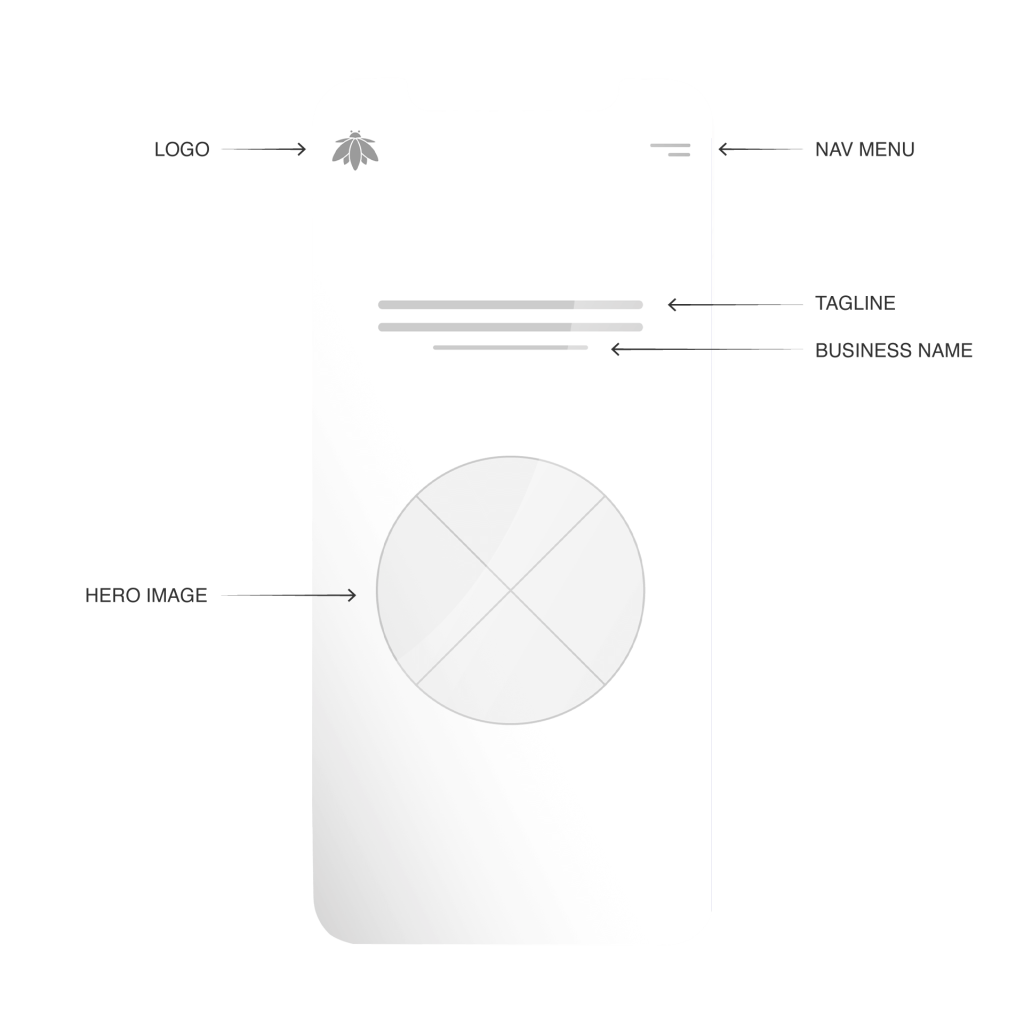
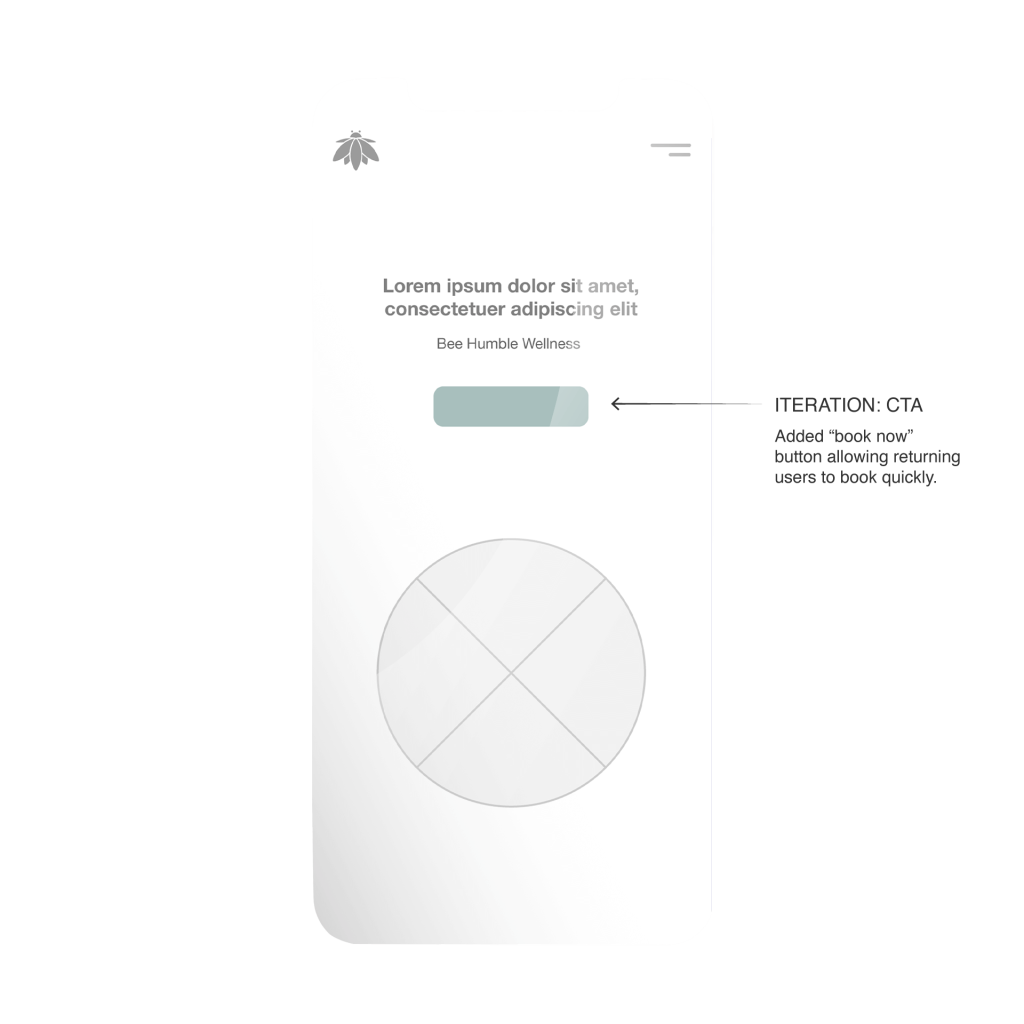
Homepage: Hero Section

Homepage: Hero Section – Iteration
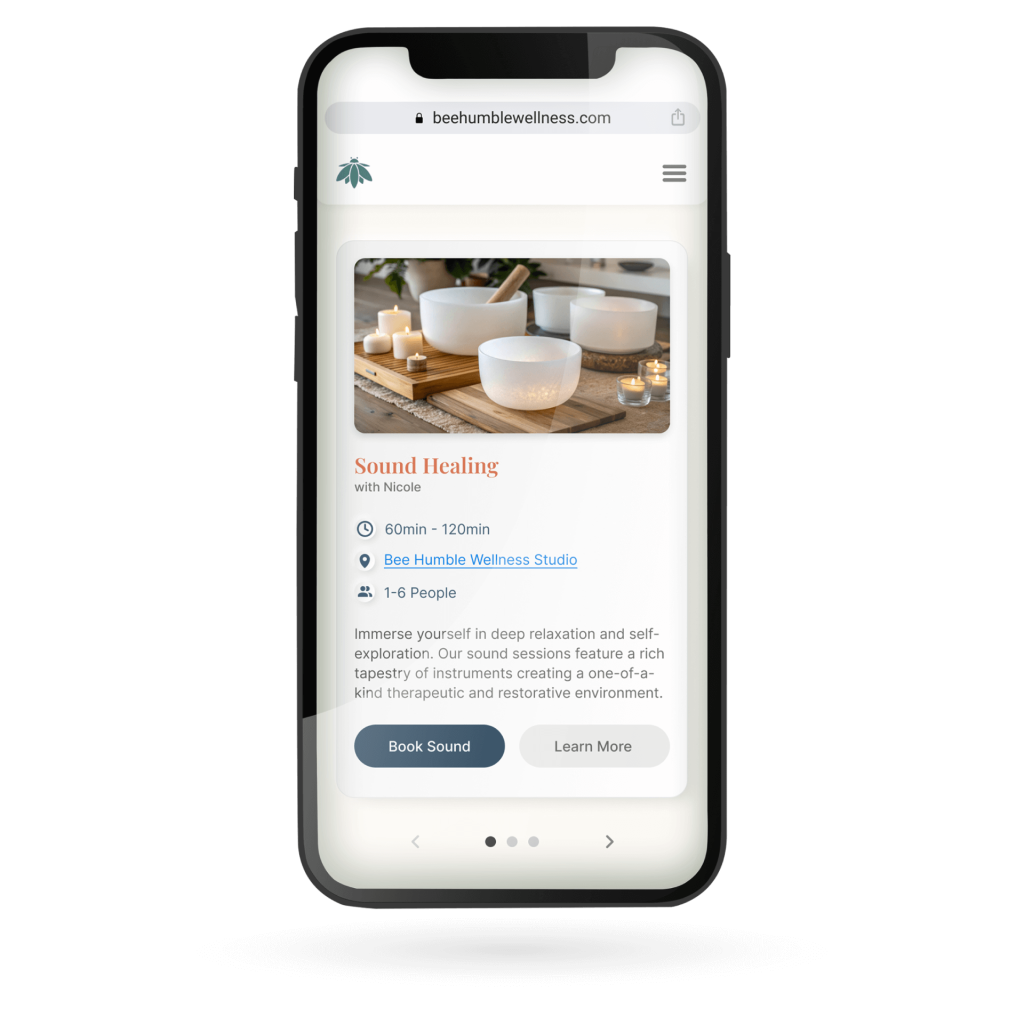
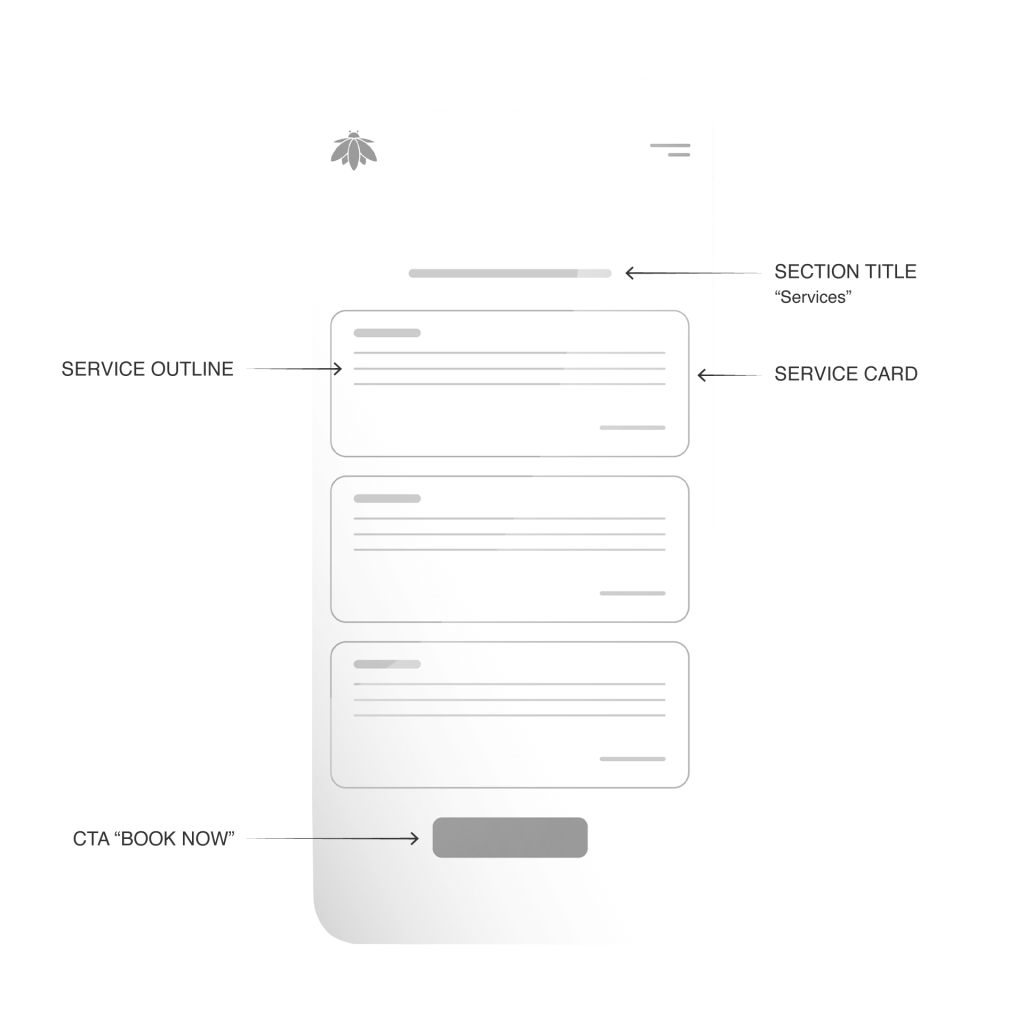
Homepage: Services List
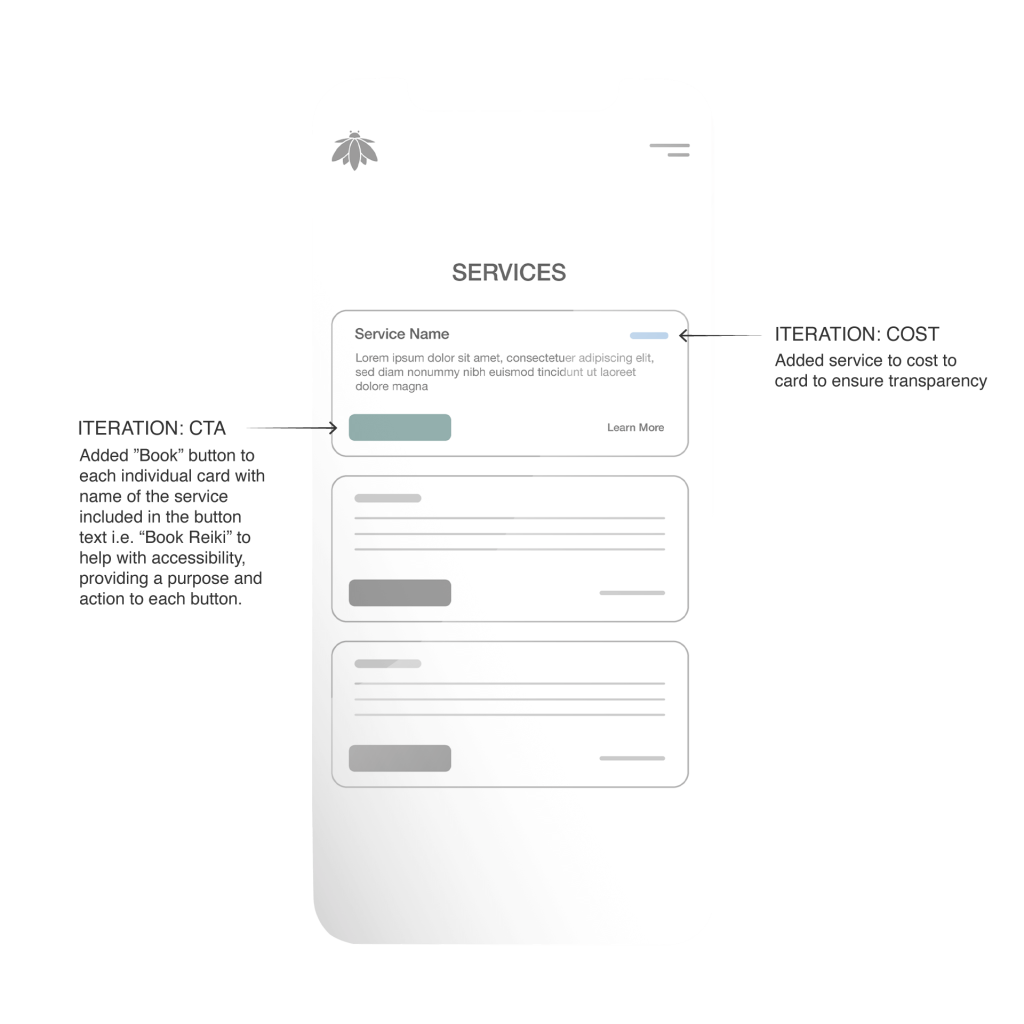
Homepage: Services List – Iteration
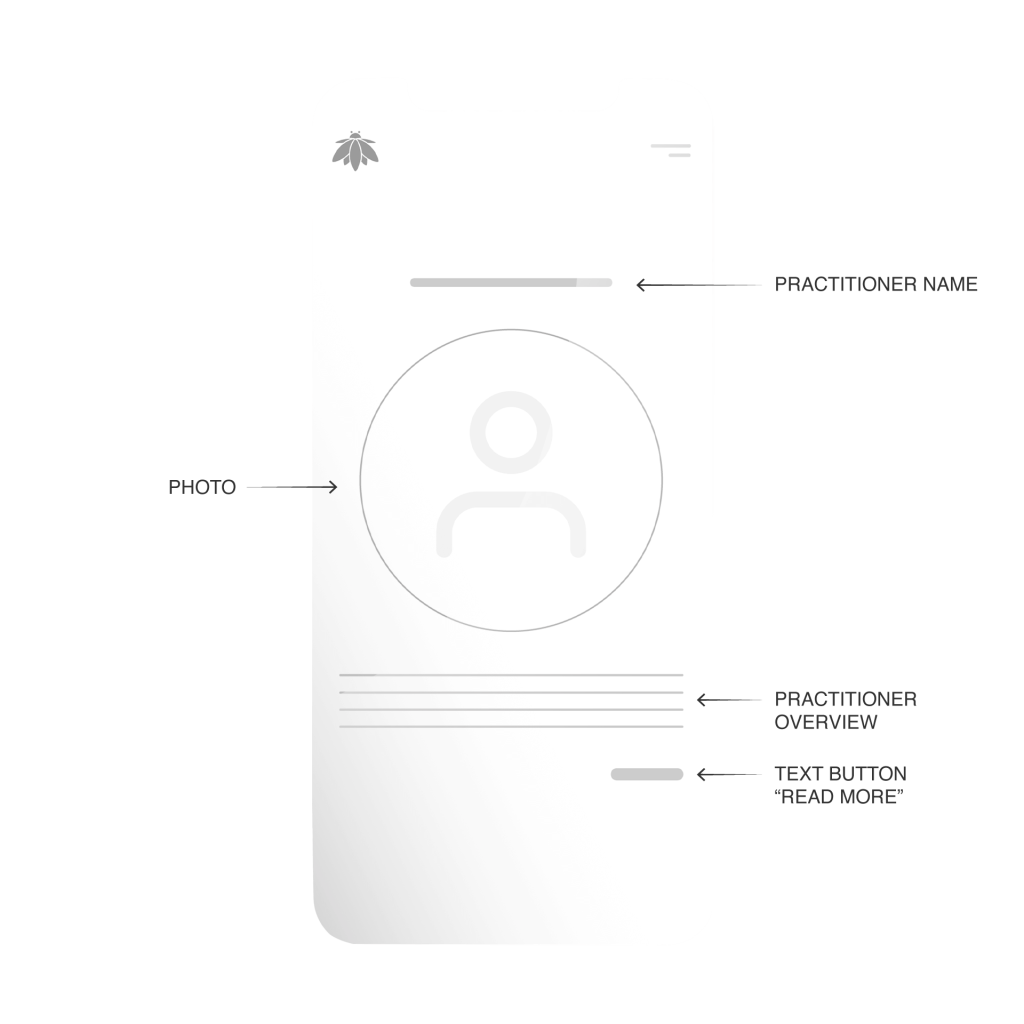
Homepage: Practitioner Section
Homepage: Practitioner Section – Iteration
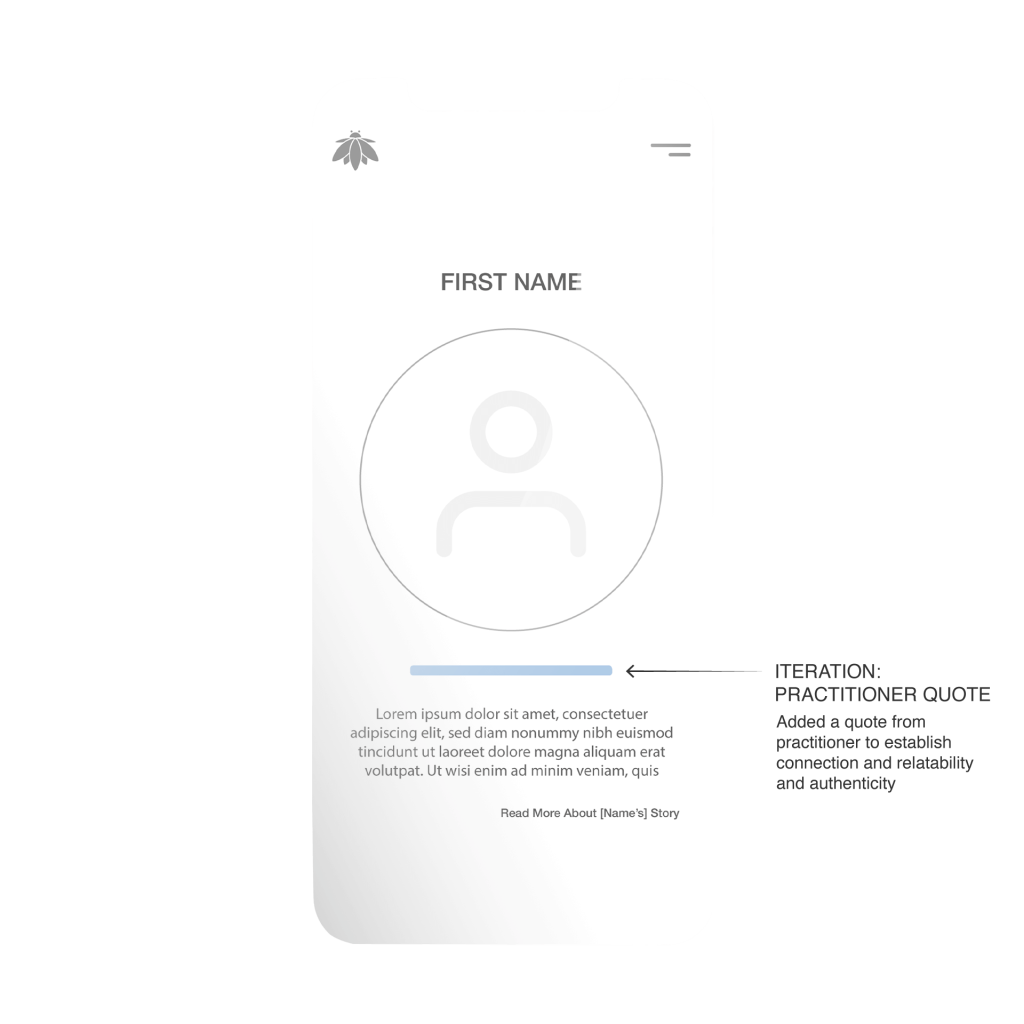
Homepage: Studio / Location Section
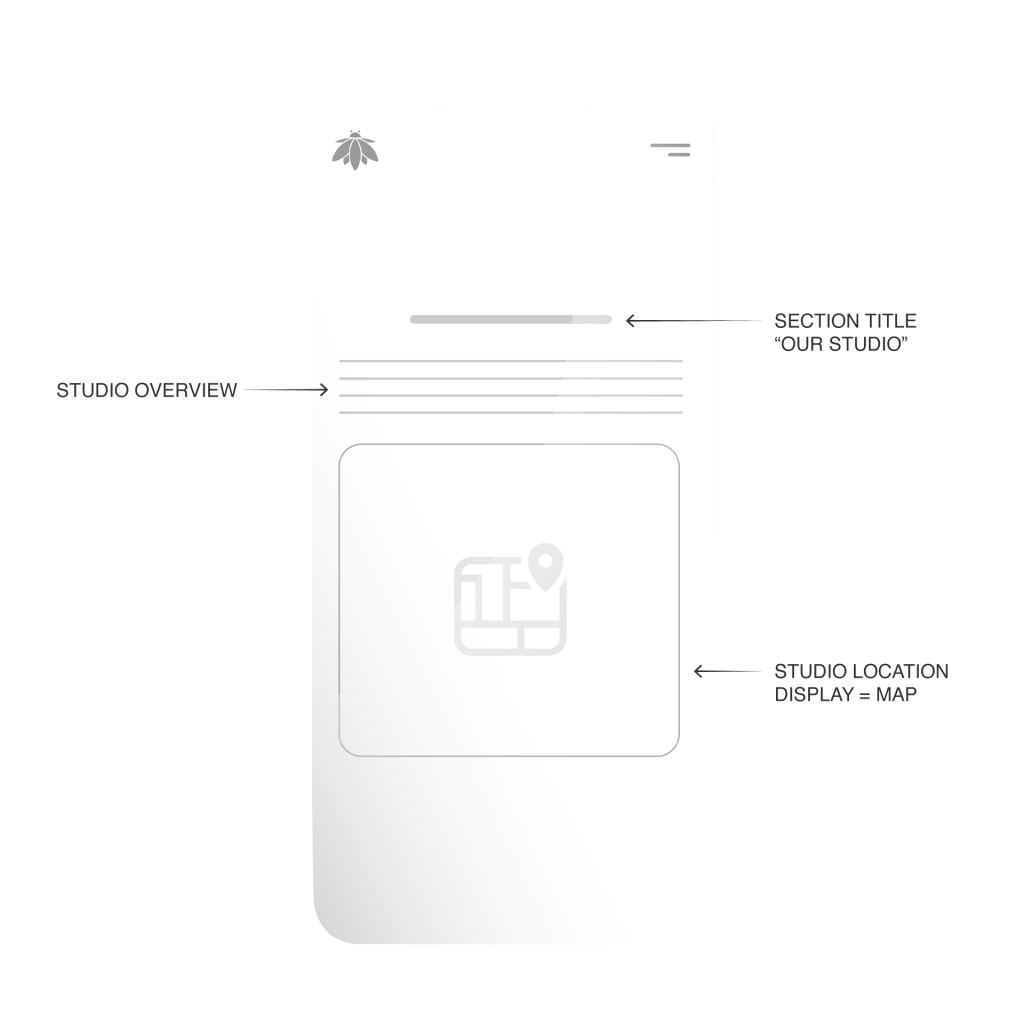
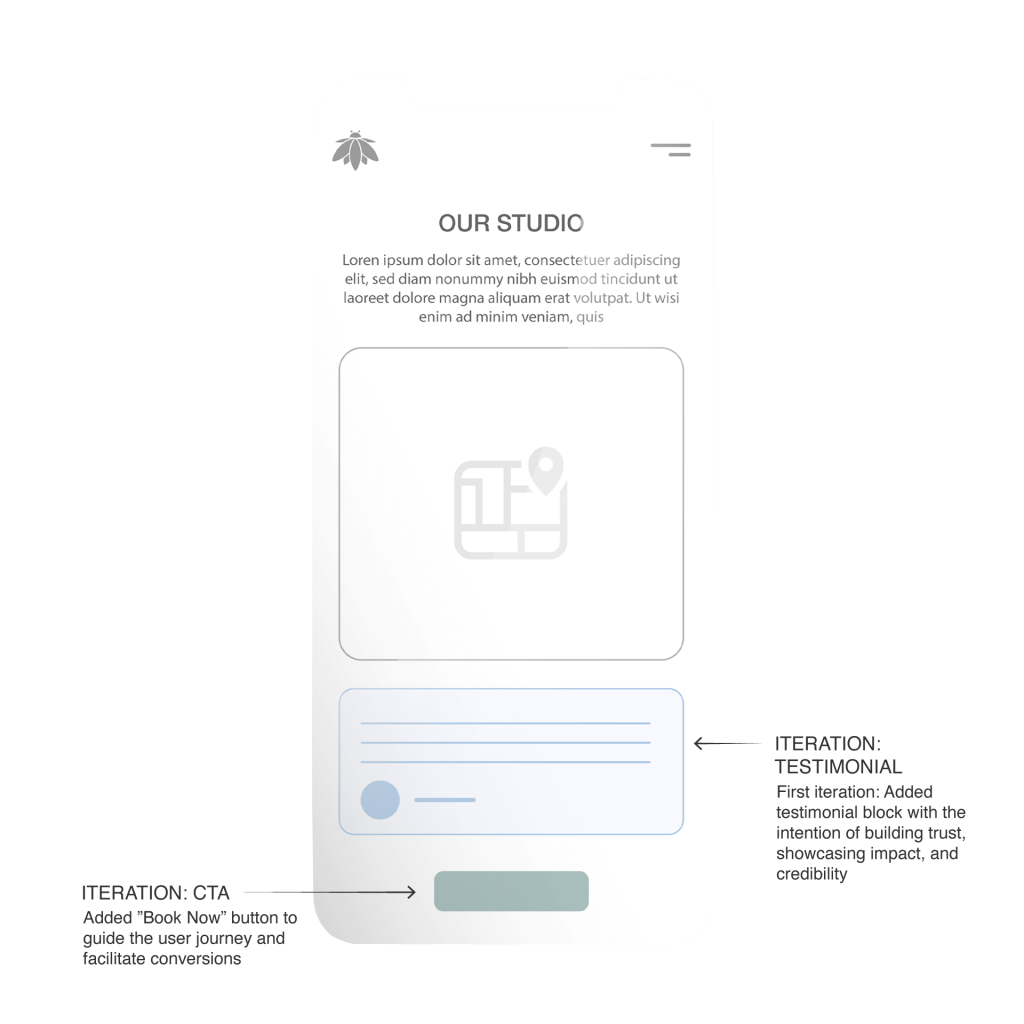
Homepage: Studio / Location Section – Iteration
Booking Form: Select Service
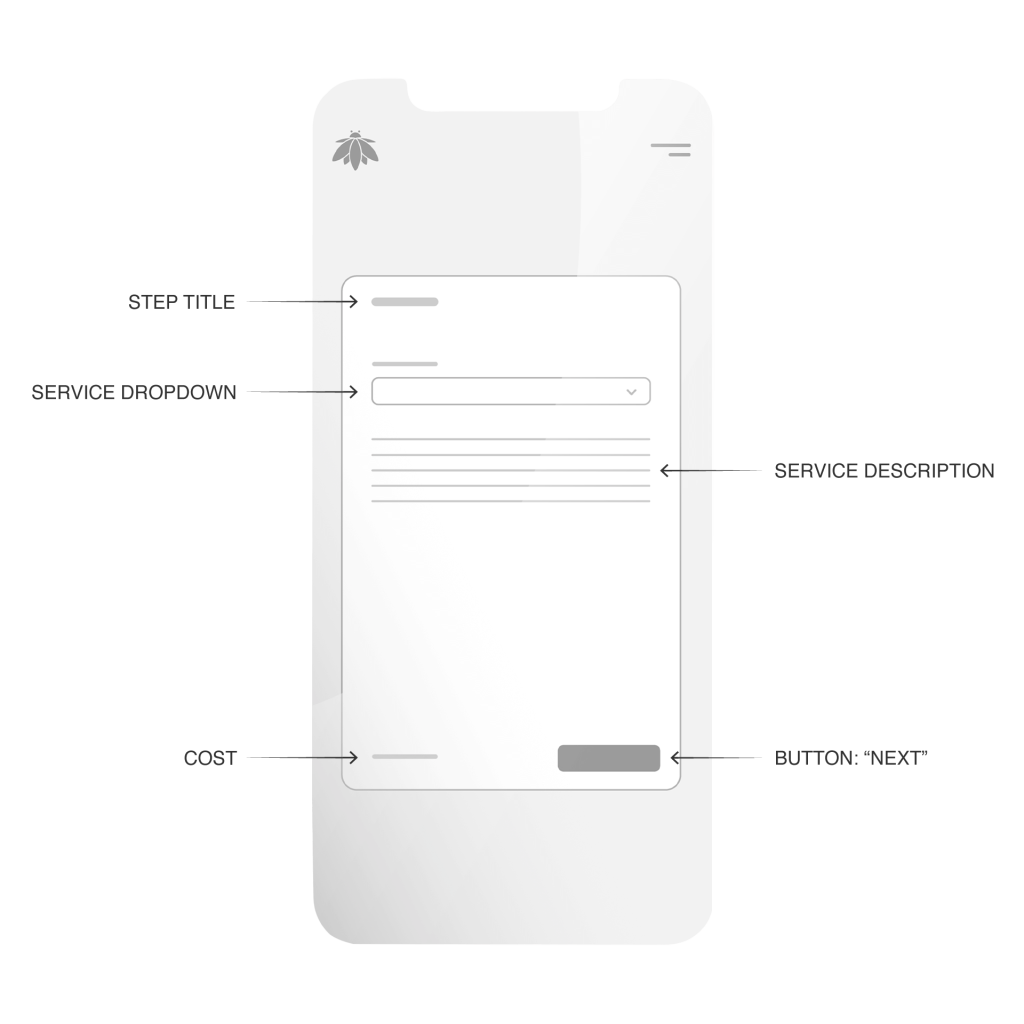
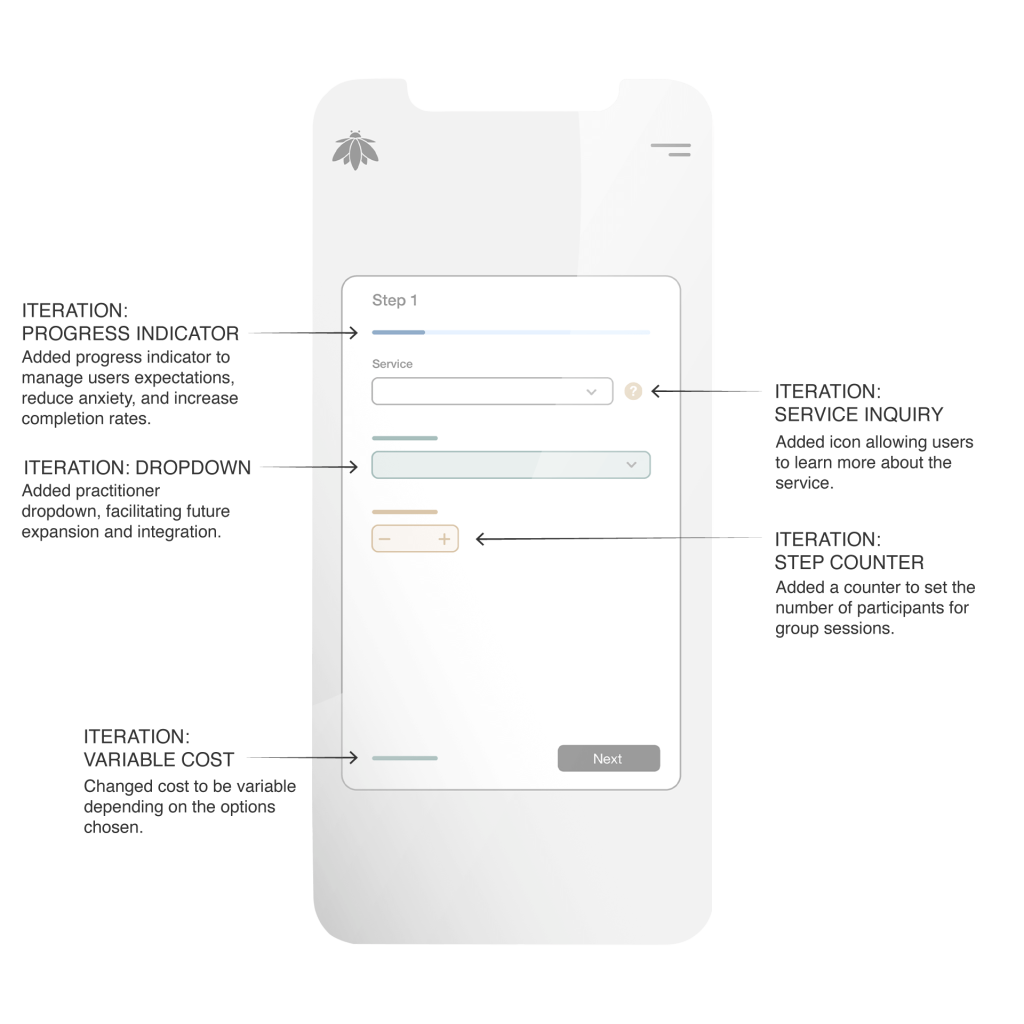
Booking Form: Select Service – Iteration
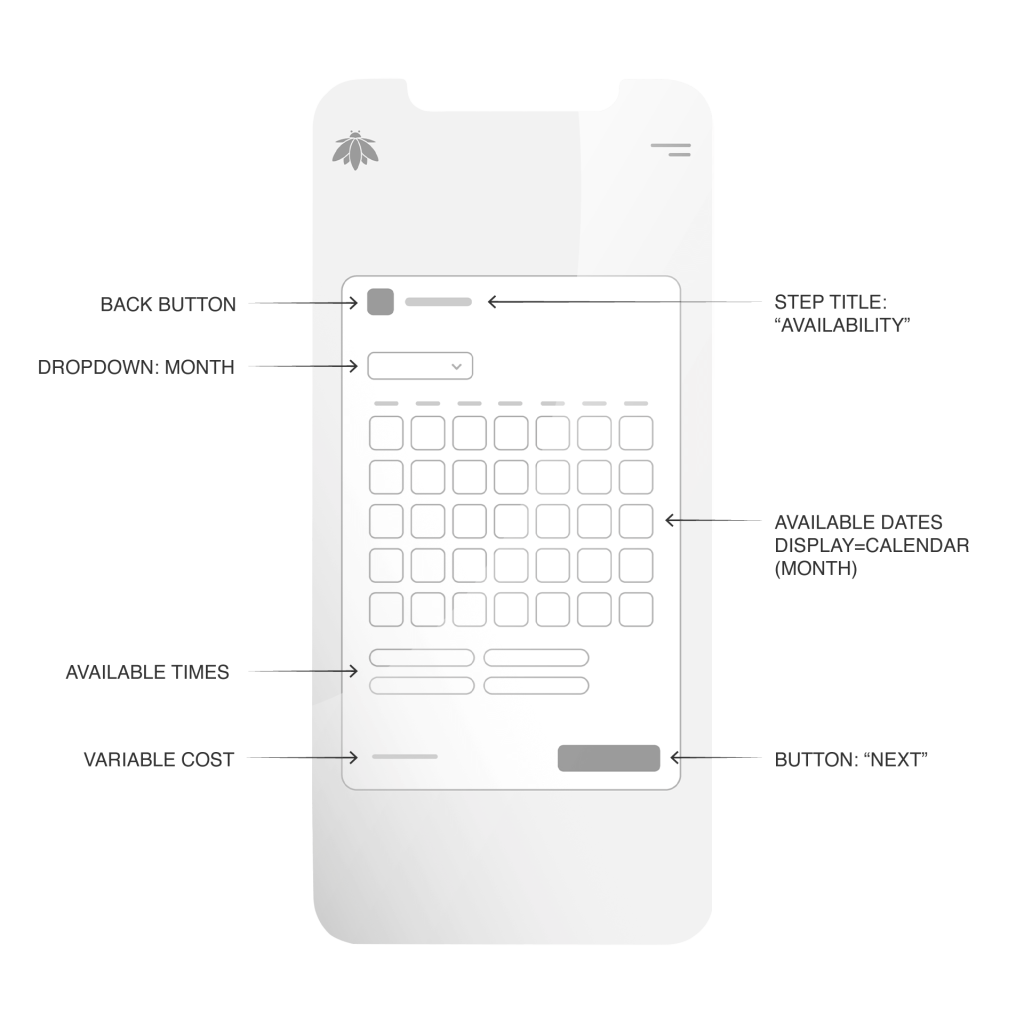
Booking Form: Availability
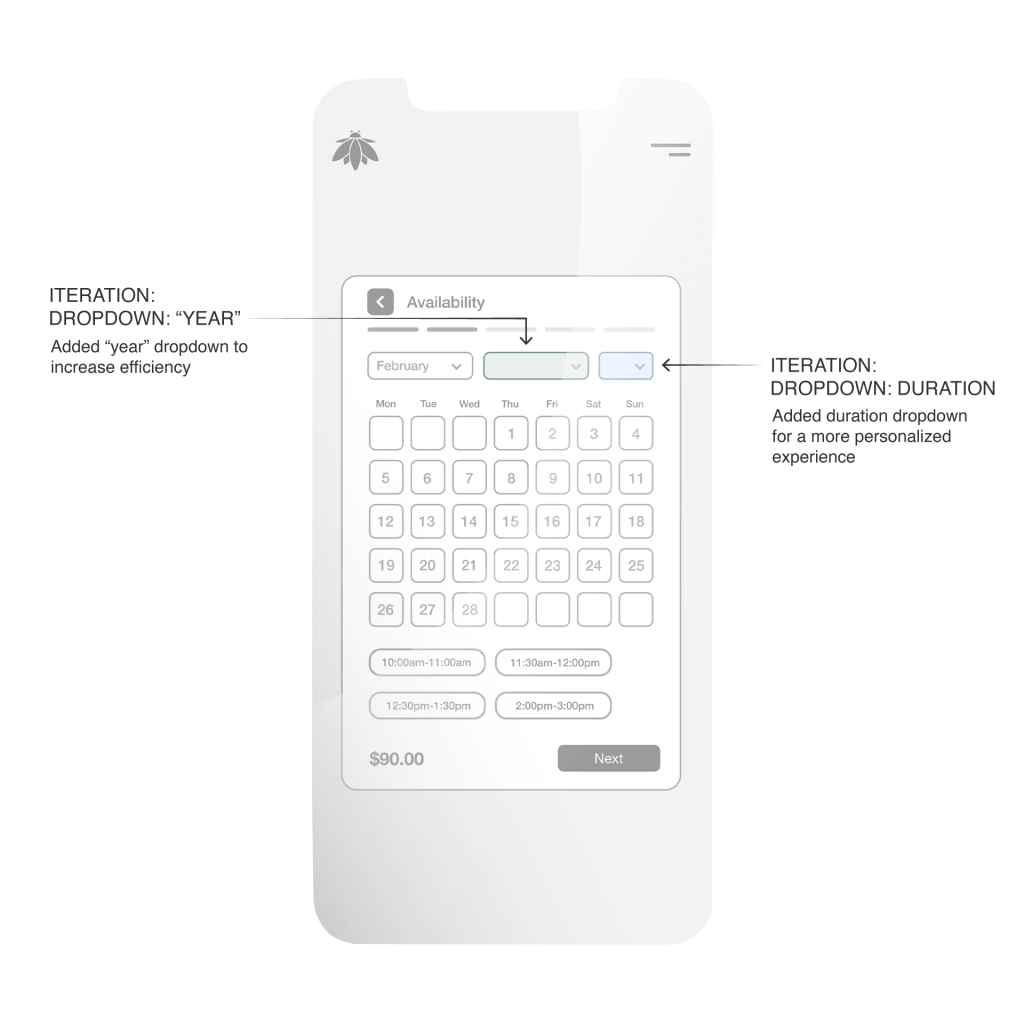
Booking Form: Availability – Iteration
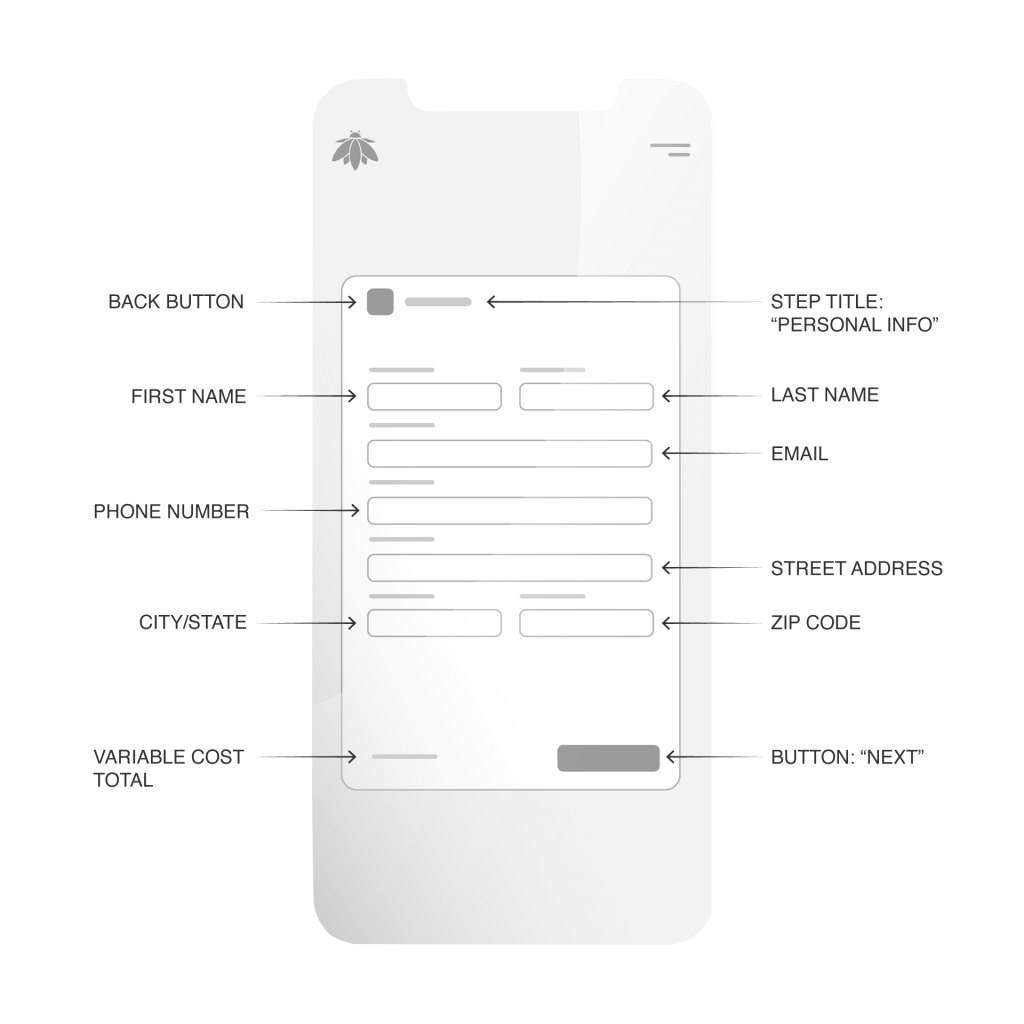
Booking Form: Contact Details
Booking Form: Contact Details – Iteration
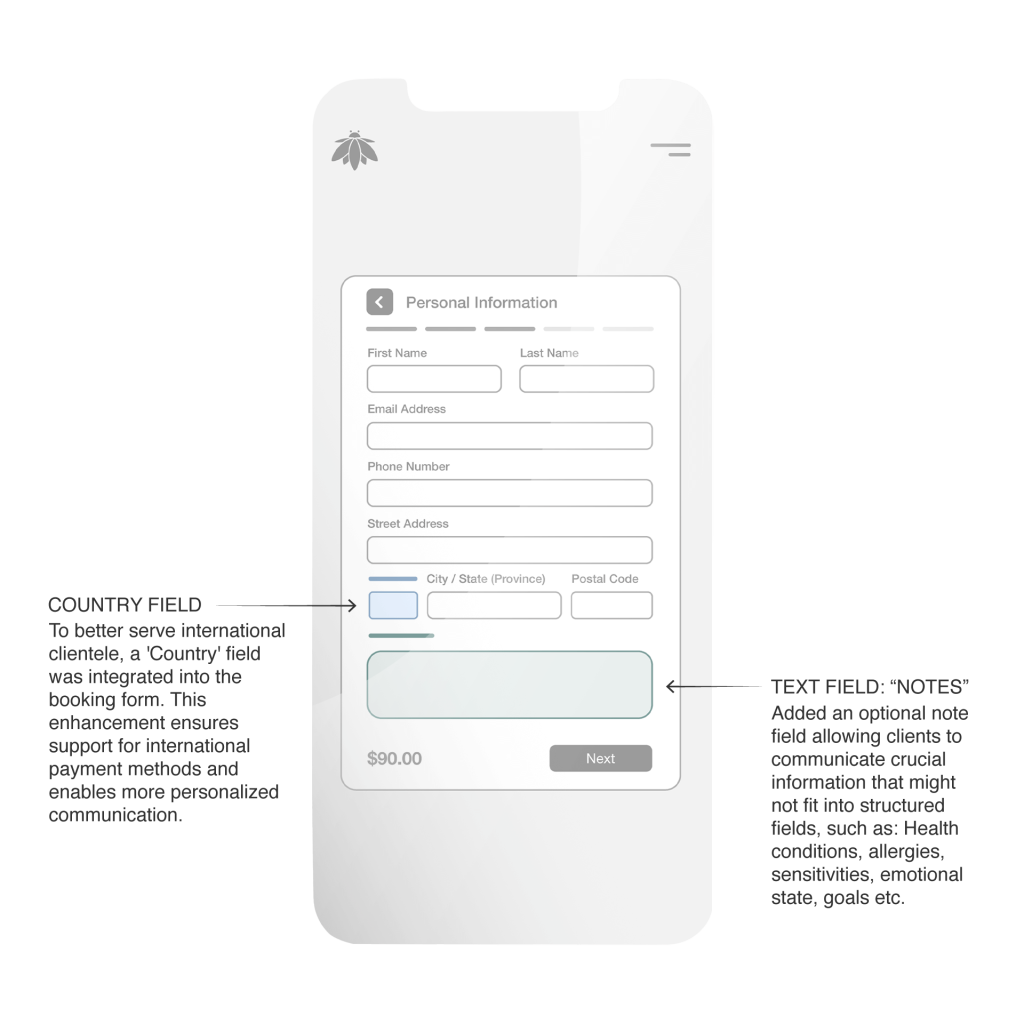
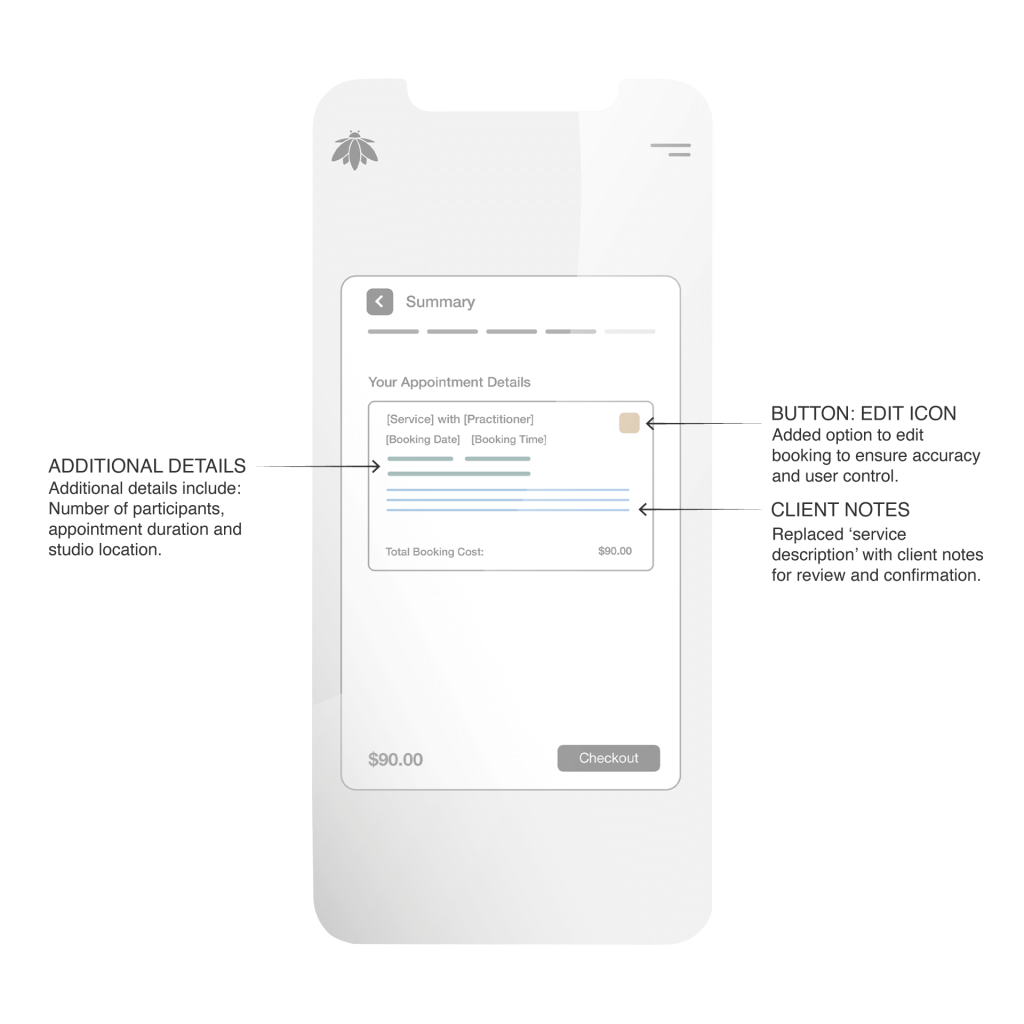
Booking Form: Booking Summary

Booking Form: Booking Summary – Iteration
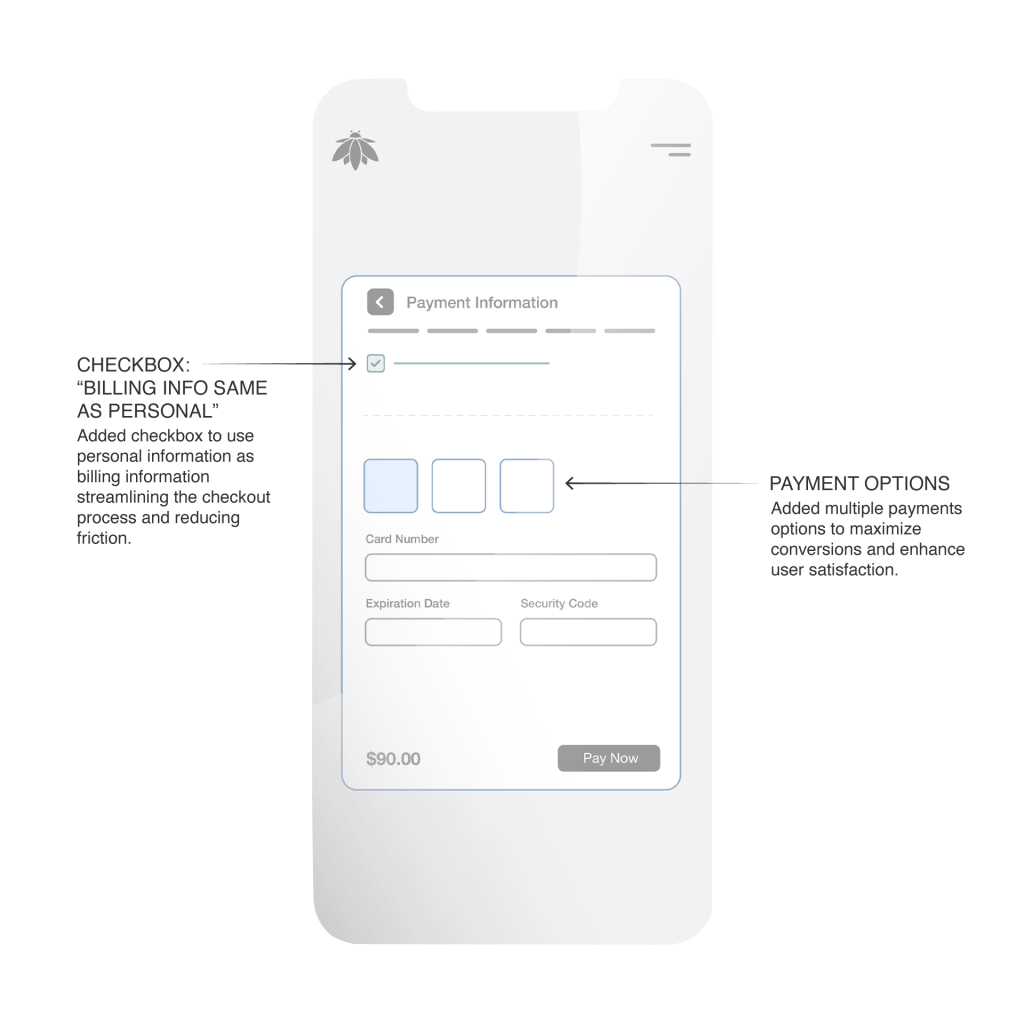
Booking Form: Payment Details

Booking Form: Payment Details – Iteration
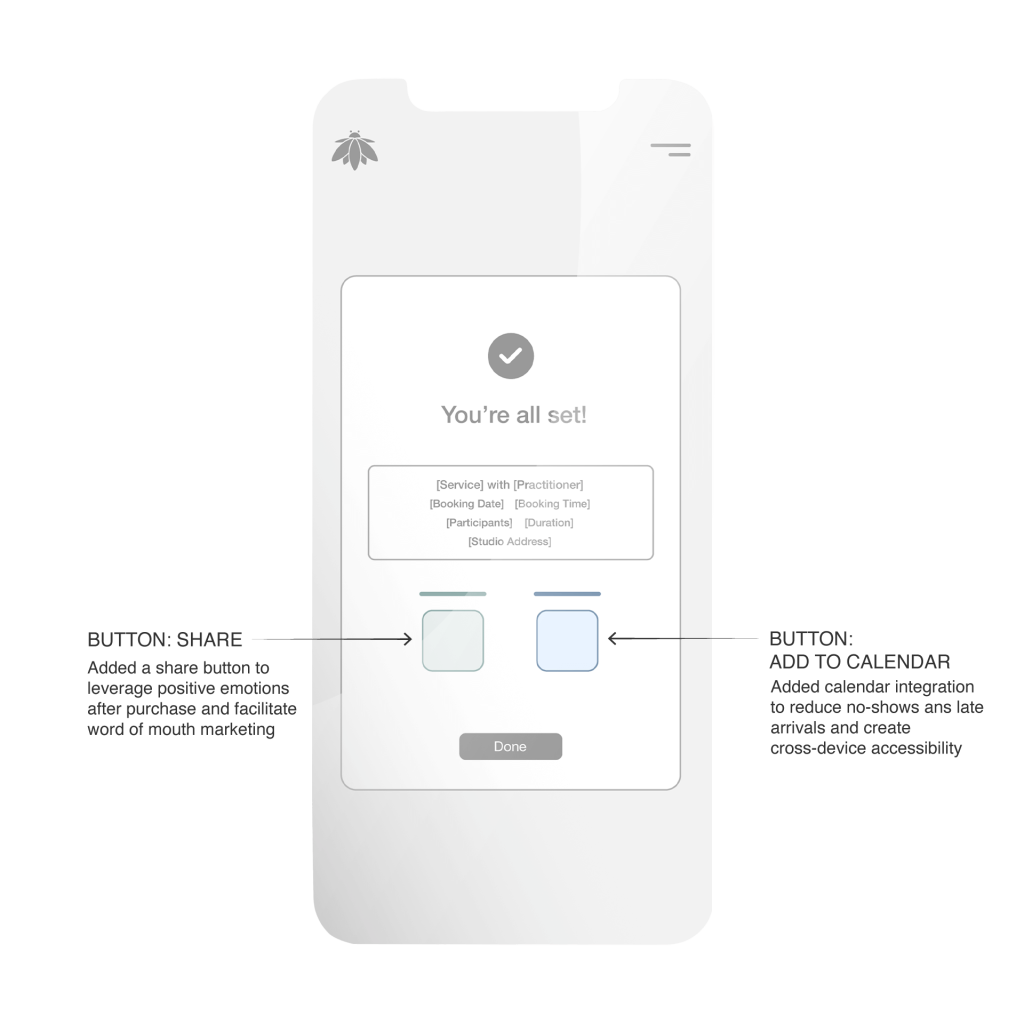
Booking Form: Booking Confirmation
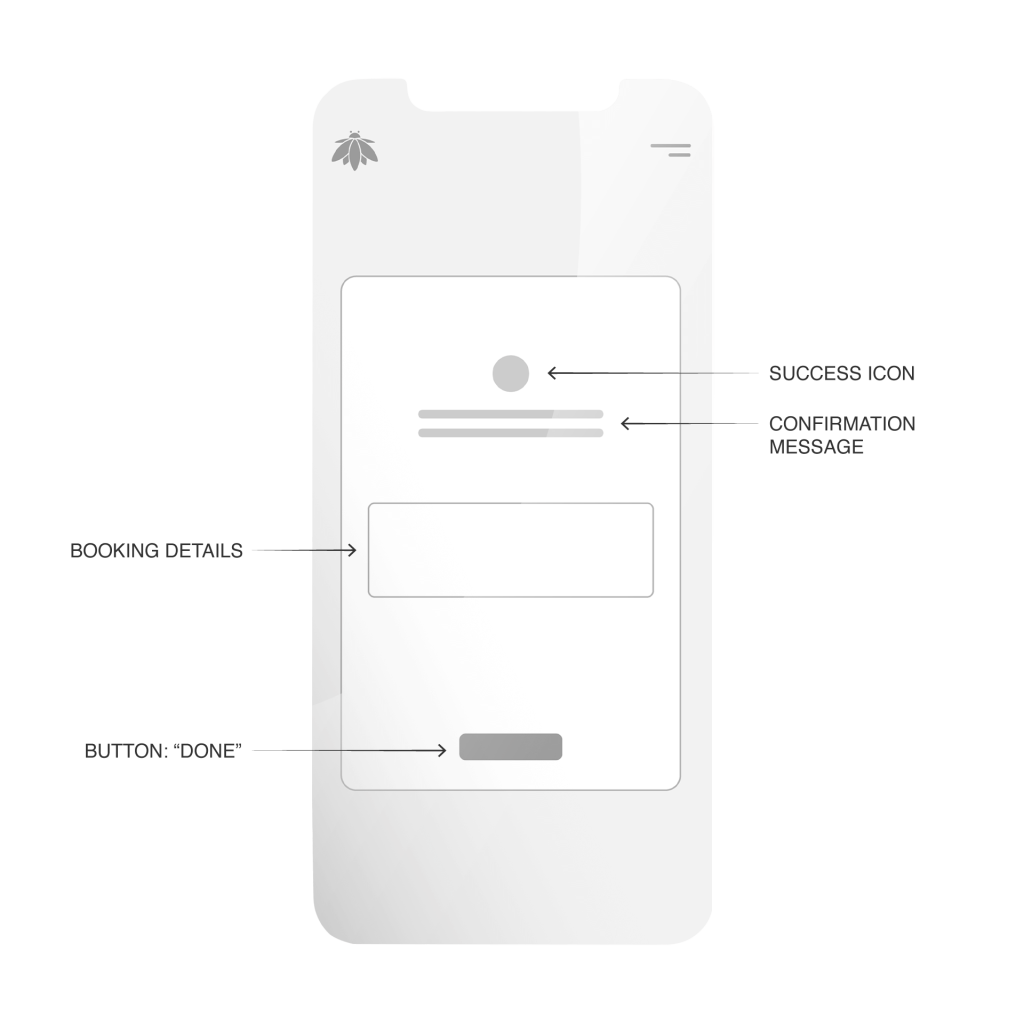
Booking Form: Booking Confirmation – Iteration
PROTOTYPE

My design philosophy for the Bee Humble platform is rooted in Empathic Minimalism: the belief that a digital interface should mirror the therapeutic qualities of the physical service. By prioritizing clarity over complexity, the prototype serves as a calming bridge between user intent and wellness realization.

TESTING

I conducted a series of “think aloud” moderated remote usability tests to observe user behavior firsthand and gather qualitative feedback on the booking website’s core functionalities.

7 individuals were recruited based on characteristics aligning with Bee Humble’s target and or current clientele: active wellness seekers (yoga, meditation, massage, etc.), individuals comfortable with online booking, and a mix of ages (25-60) to ensure diverse perspectives.

Explore Studio Offerings: Navigate the services and learn more about practitioners.
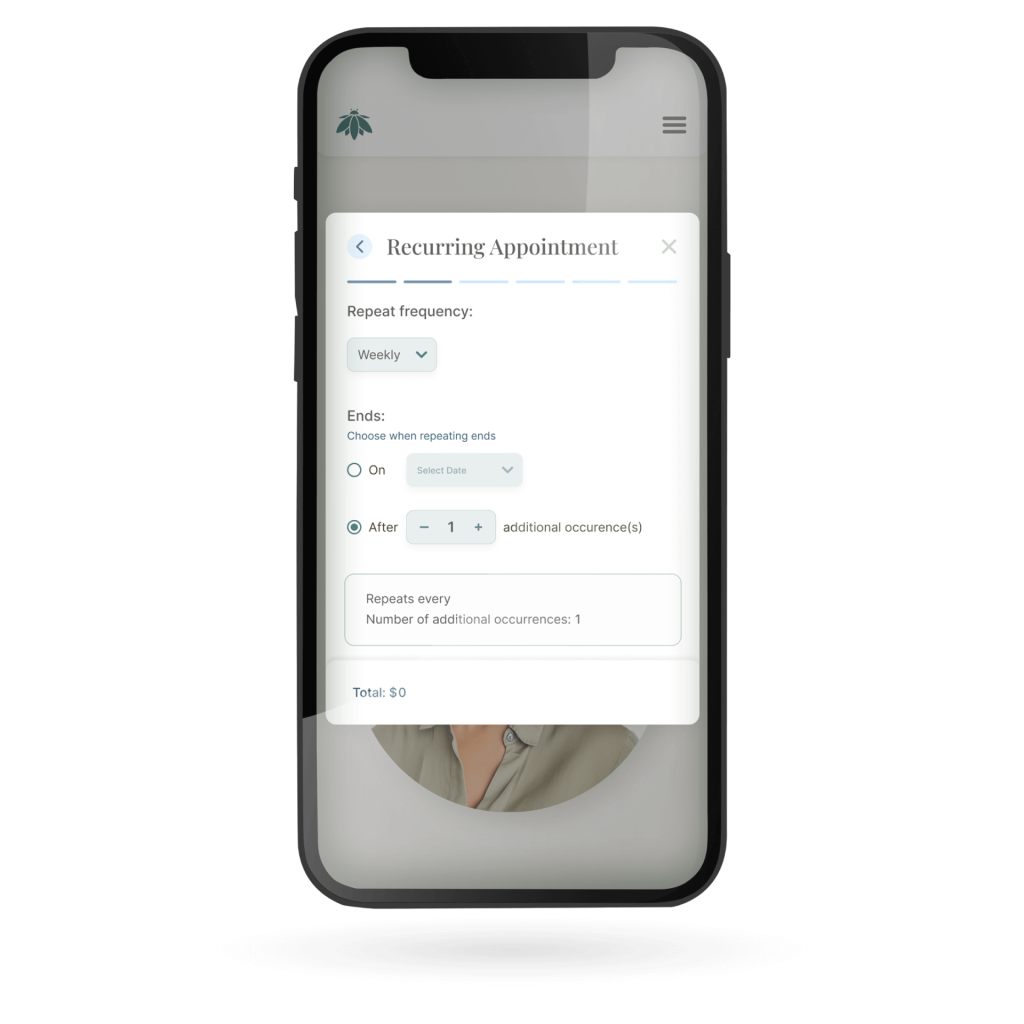
Book Individual Sessions: Schedule two 60-minute Reiki therapy sessions.
Get Support: Find the answer to a common question about the studio’s cancellation policy, and then use the contact form to send a message.
Manage an Existing Booking: Locate, view details of, and attempt to cancel an upcoming appointment.
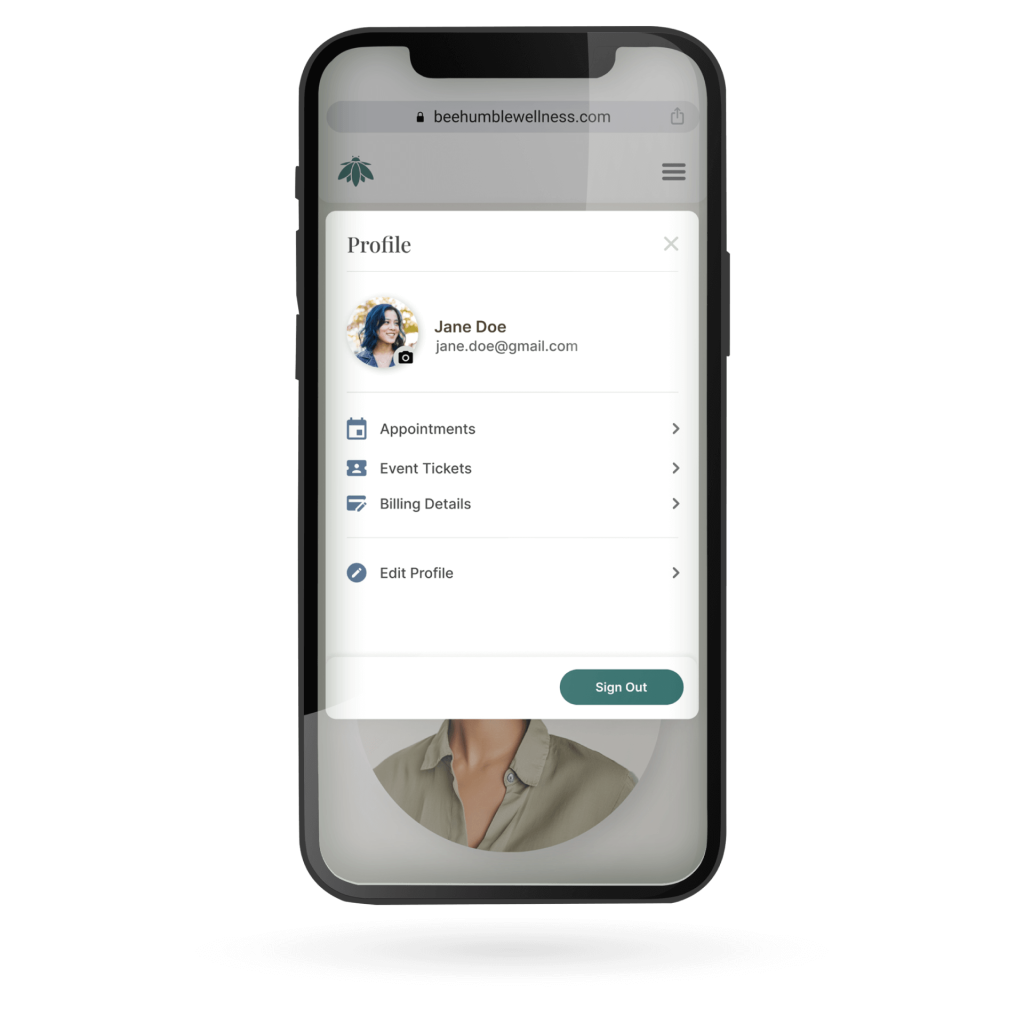
Locate event tickets: Find purchased tickets for an upcoming event.

ITERATION

IMPACT

LESSONS

“I had learned that UX isn’t just about usability; it’s about behavioral design.”

Standard UX best practices usually dictate that we should remove barriers and make interactions as seamless as possible. In this project, I applied that logic to the cancellation flow, giving users full control to cancel with a single click.

This hyper-efficiency led to a significant churn rate in confirmed bookings. I discovered that for high-intent, high-anxiety services like wellness and therapy, efficiency is not always the primary metric of success.

Wellness appointments can trigger the “Cold Feet” Phenomenon, a psychological response characterized by the status quo bias (the preference for things to stay the same). When a user feels nervous about a new treatment or session, a zero-friction cancellation process can become an escape hatch for their anxiety.

When we make it too easy to cancel, we can inadvertently support the user’s anxiety rather than their ambition. In moments of doubt, users may often talk themselves out of self-improvement commitments. By removing all friction, I had removed the “guardrail” that helps users stick to their goals.

Scroll to Top