Energy, Simplified.

High-Stakes Energy Management for the Modern Nomad

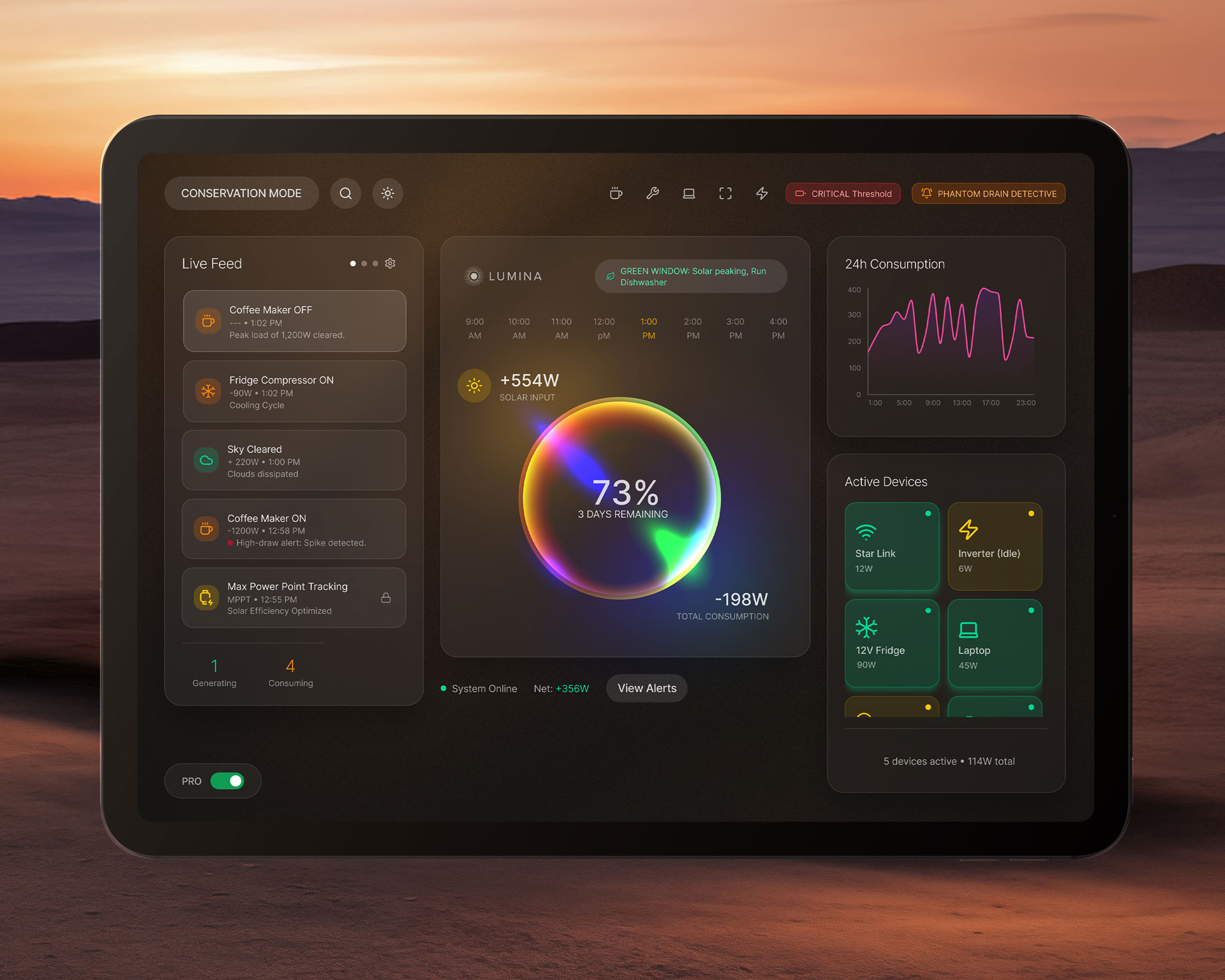
Lumina is a Tablet based embedded solar battery management system designed for off-grid RV living. By transforming complex power telemetry into an intuitive, high-contrast interface, the system empowers users to monitor, diagnose, and protect their energy infrastructure during critical travel conditions.

The Challenge:

In an RV, power is the difference between a seamless journey and an emergency. Existing battery management systems often overwhelm users with raw, technical data (voltage, amperage, watt-hours) that is difficult to parse while stationary, and nearly impossible to interpret while driving or in the dark.

For the Lumina system, the challenge was threefold:

Cognitive Load: Translating complex electrical telemetry into a language non-engineers can understand instantly.
Environmental Constraints: Designing for a wall-mounted tablet in a space where light pollution, screen glare, and physical stability (vibration) are constant factors.
Emergency Readiness: Ensuring the system doesn’t just show data, but actively guides the user through power crises before the batteries die.
The Approach:

To design an embedded interface that prioritizes actionability over raw information, creating a design system that feels stable, legible, and reassuring under high-stress conditions.

Deliverables:
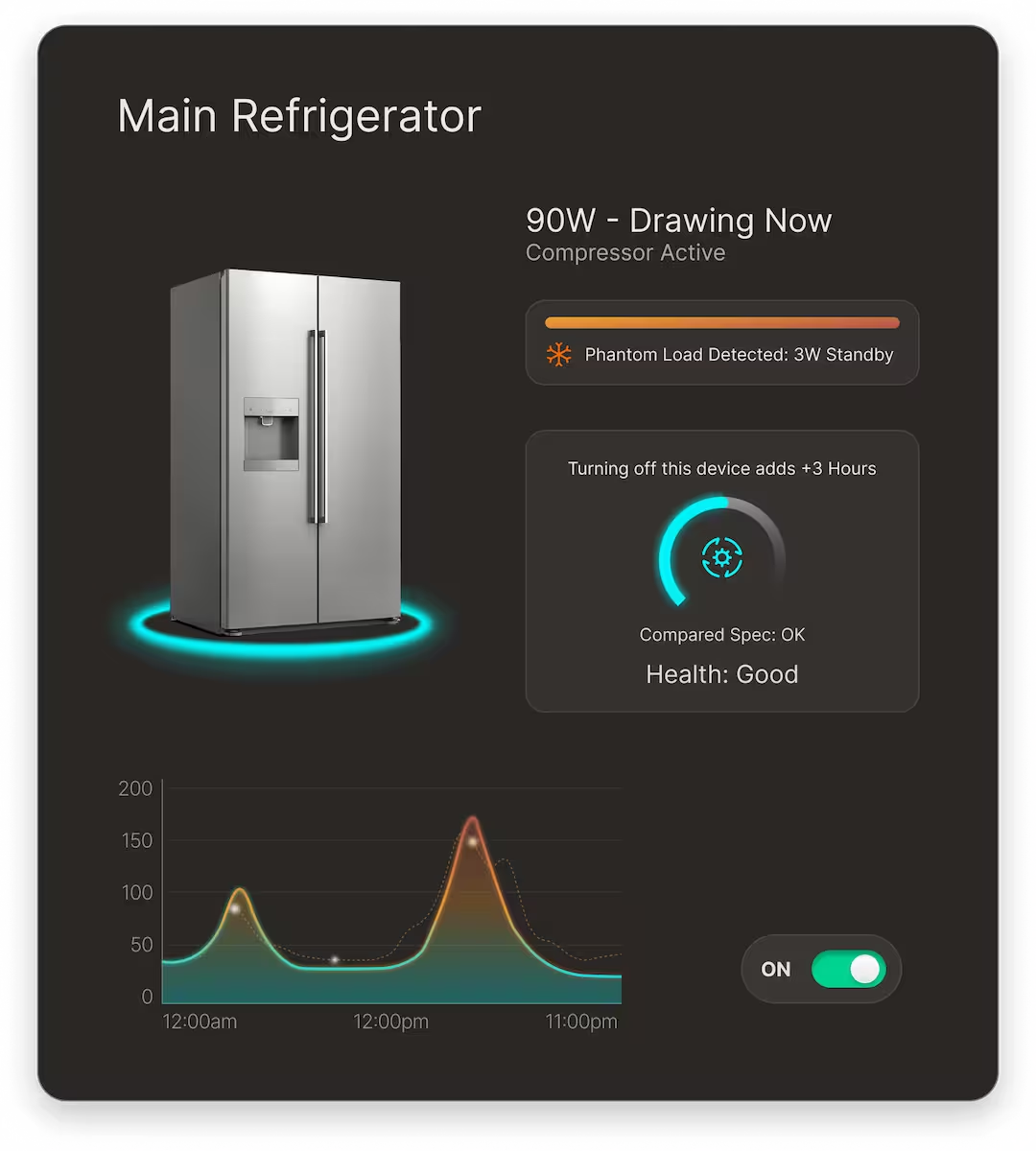
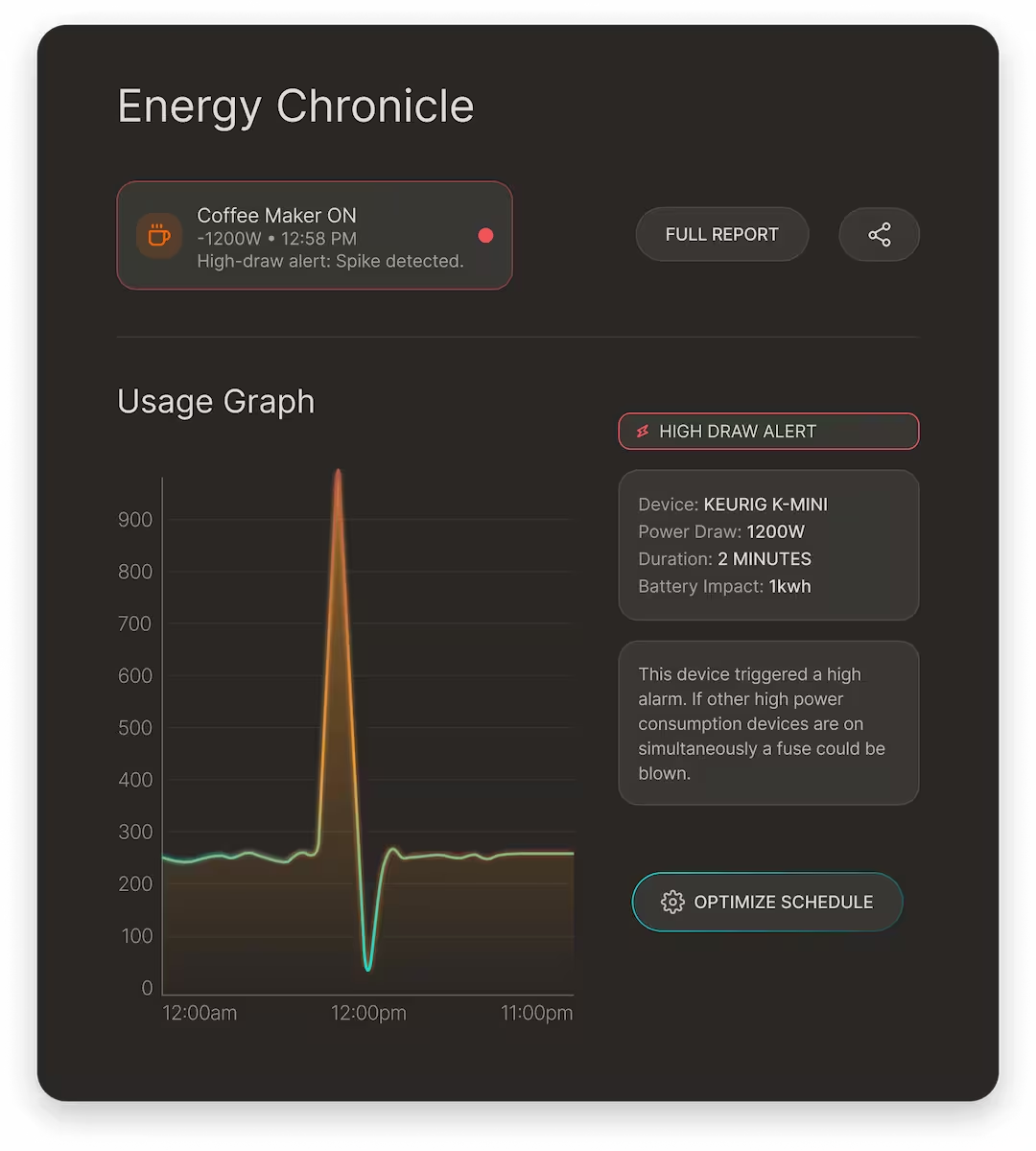
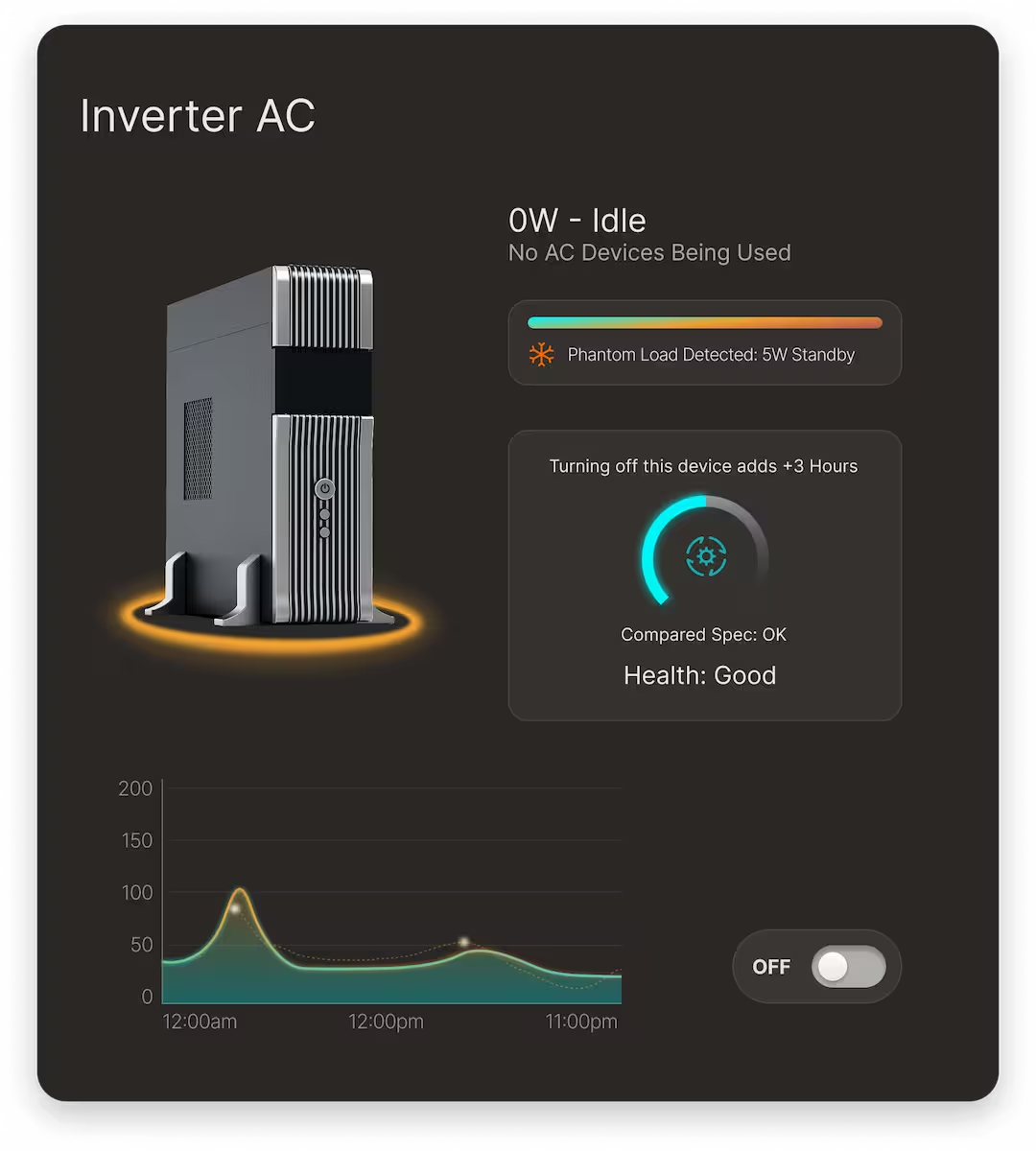
Component Library: A standardized collection of UI elements (Data Cards, Status Toggles, Graphs) engineered for low-latency tablet hardware.
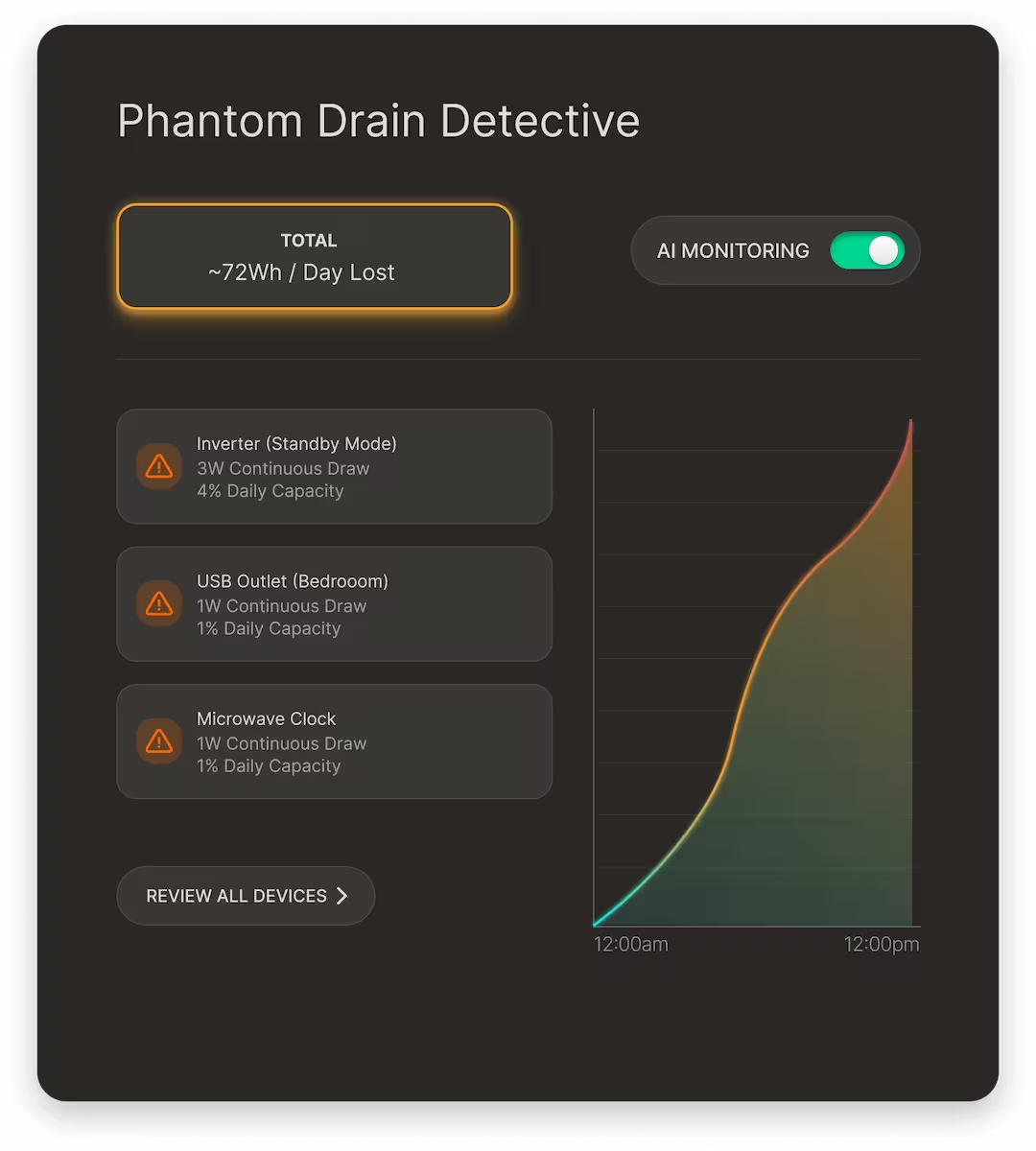
State Management: Documented logic for three distinct operating modes: Standard, Analysis (Phantom Drain), and Critical (Conservation Mode).
Adaptive Theme System: A high-contrast, dark-first UI optimized for low-light environments and battery preservation.
Technical Specifications: Component-to-code mapping, interaction behaviors, and design tokens for consistent implementation.
Functional Prototype: An interactive flow demonstrating the “Critical Alert to Recovery” user journey.
Role:
Lead Product Designer (End-to-End)
Timeline:
10 weeks
Year:
2026

The Process:

Iterating Under Constraints

Designing for an embedded system meant that every UI element had a performance tax. My process was rooted in frequent prototyping to ensure that high-fidelity designs didn’t lag on the tablet hardware.

The Rejected Path:

High-Density Data Overload

Initially, I attempted to show all solar array data, voltage, current, temperature, and historical yield etc. on a single, dense screen.
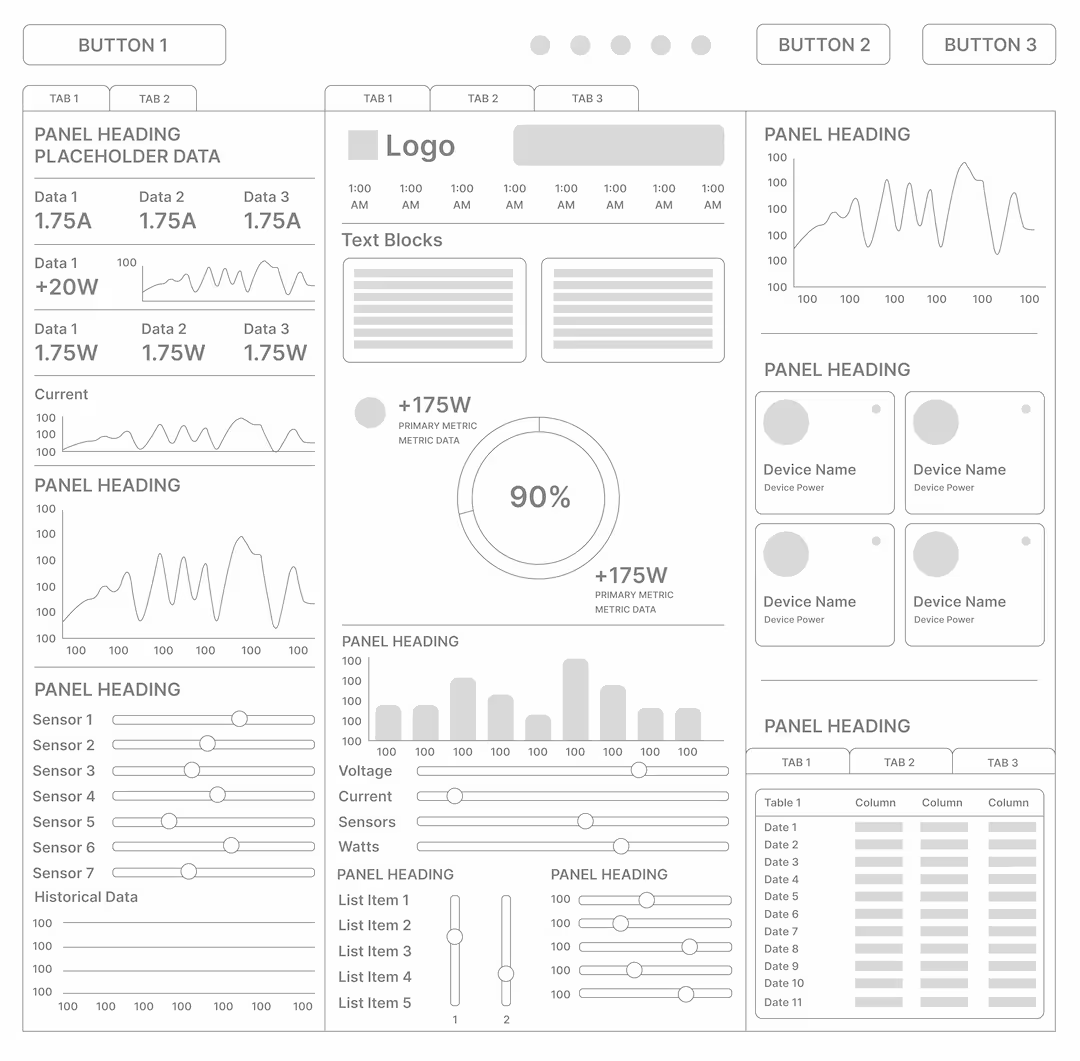
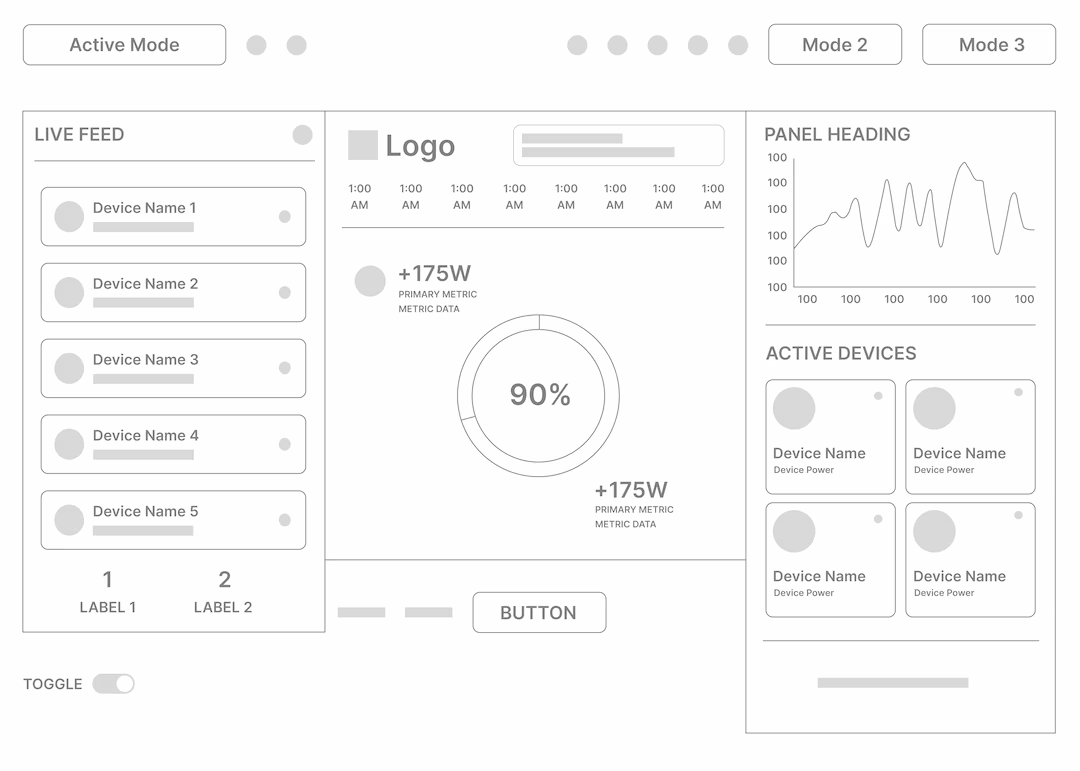
The Problem: The information density caused “analysis paralysis” in the original wireframes. Users struggled to find the primary energy output indicator amidst the technical noise.
The Pivot: I moved to a layered disclosure model. The home dashboard now provides high-level health, while deeper metrics are accessible via clear, modular touch-points.
The Pivot
Refining for the Environment:

I ran a “Vibration Test” by sketching UI components and placing them on a mock tablet to test touch accuracy.

The Insight: Precise, small sliders were impossible to hit during movement.
The Solution: I replaced slider inputs with wide-tappable buttons and toggle-based interfaces, which I documented as a core requirement in the Lumina Component Library.

The Design System:

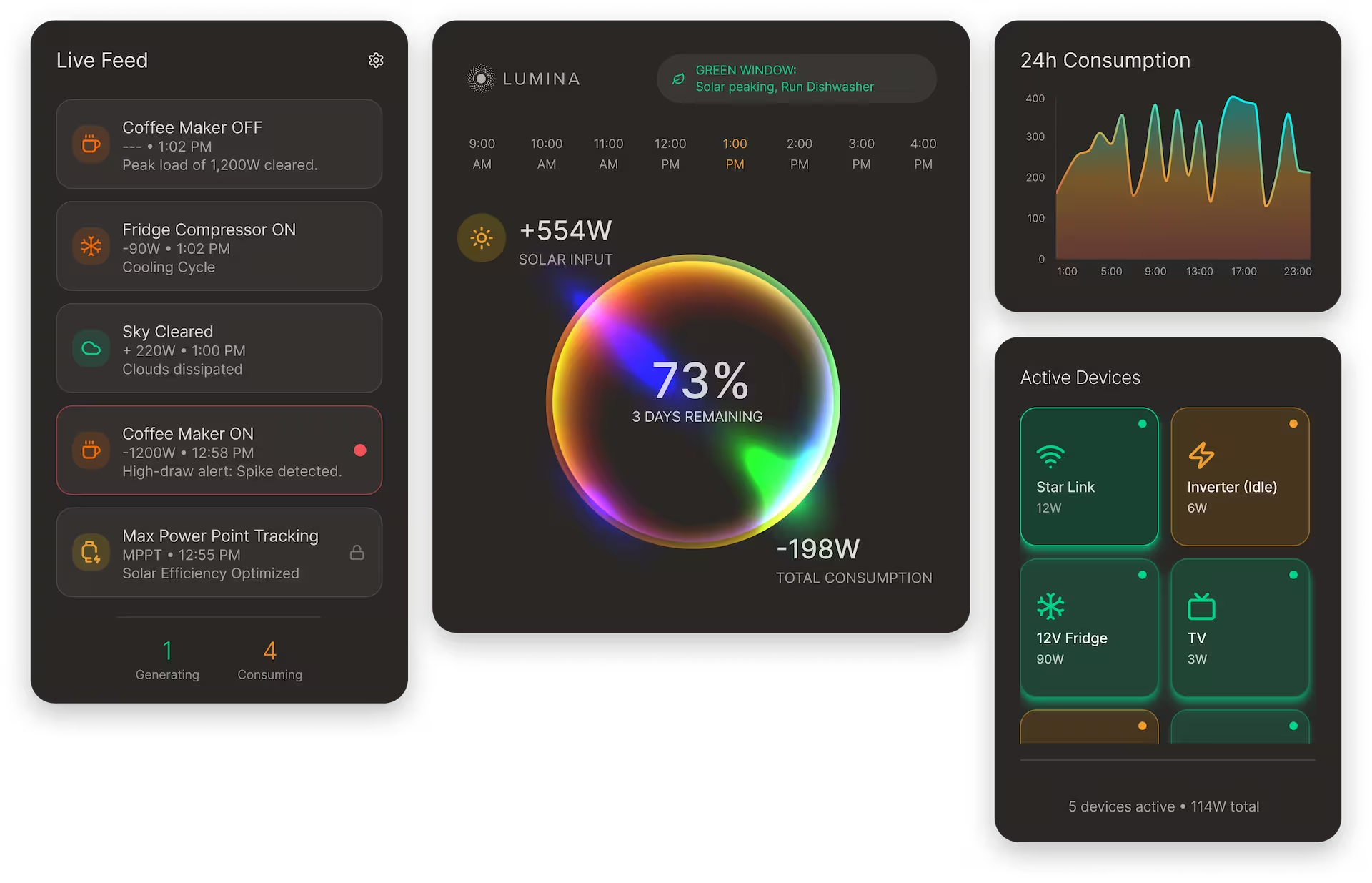
To maintain consistency across a complex ecosystem of views, including high-level monitoring, deep-dive diagnostics, and emergency states, I developed a modular architecture. This ensured that whether a user was checking a Live Feed or running a Panel Scan, the mental model remained the same.

The Component Framework

I organized the system into three functional categories to ensure the UI remained performant on embedded hardware:

Global Navigation & System Alerts: A persistent top utility bar that provides instant access to Conservation Mode, Search, Power Modes and high-priority alerts like the Critical Threshold and Phantom Drain Detective. This ensures that emergency actions are never buried.
Modular Grid Layout: A flexible, three-column system optimized for a 10-inch landscape tablet.
Left Column (Activity): The “Live Feed” for chronological system events.
Center Column (Primary Health): The “State of Charge” ring—the most critical metric—occupies the focal point.
Right Column (Consumption): 24h usage graphs and active device toggles.
Action-Oriented Overlays: Contextual modals (e.g., Phantom Drain Detective) that allow for deep-dive diagnostics without losing the dashboard’s primary context.
Visual Logic & Hierarchy
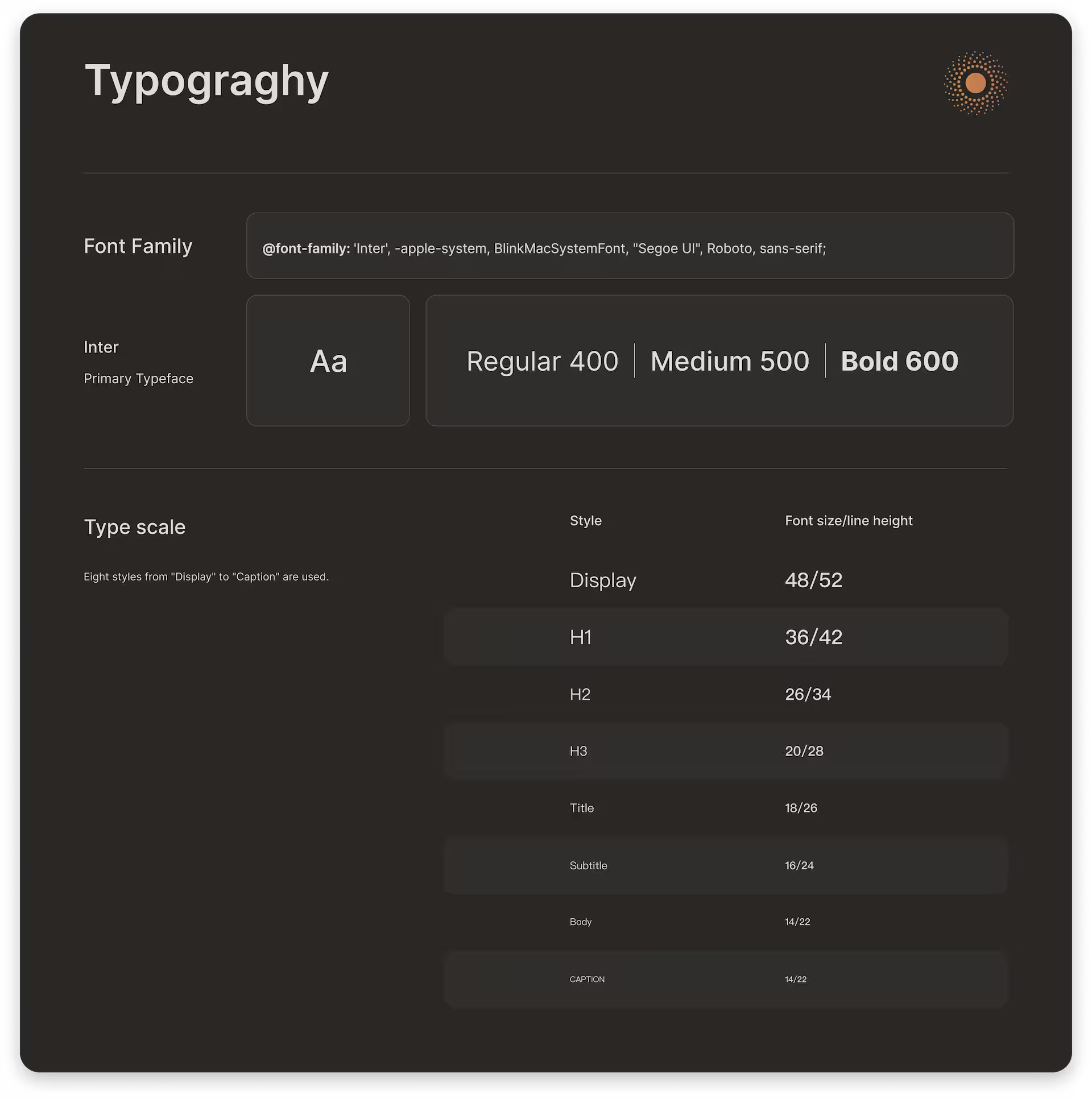
Typography for Distance: Using a robust sans-serif with generous leading to ensure that the solar Input and battery levels are readable from across the RV cabin.
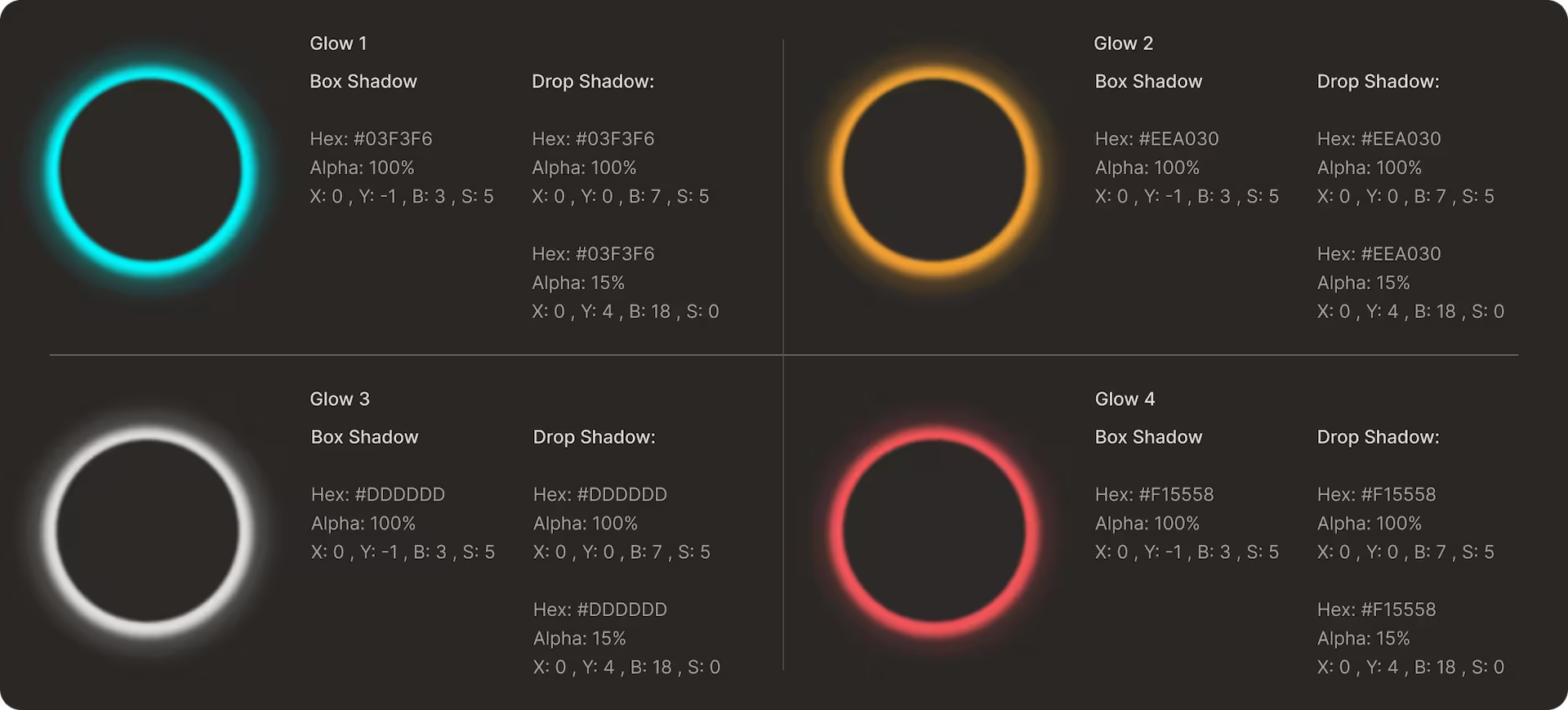
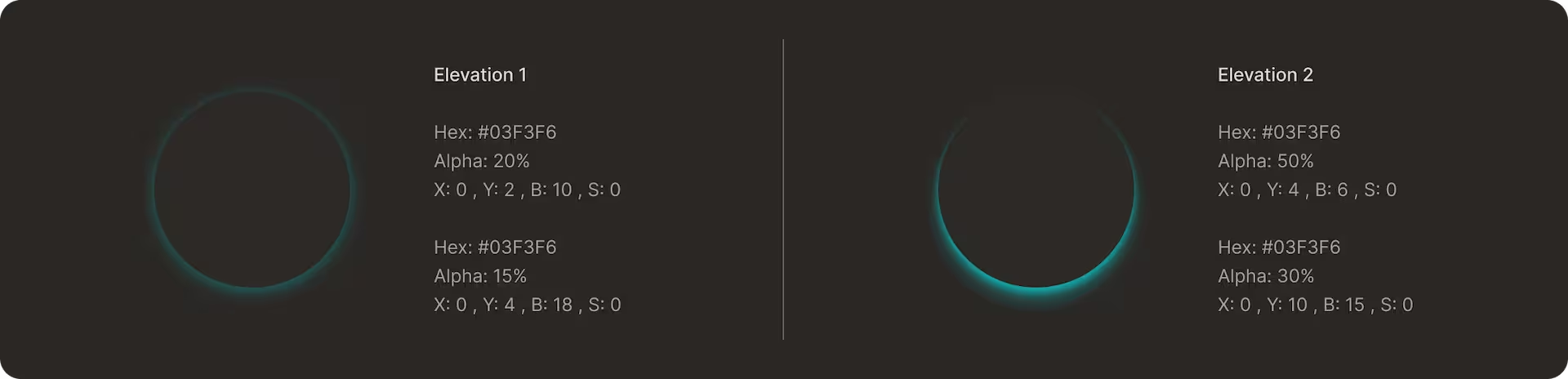
Glow & Interaction States: I used focused glows to guide the eye toward “Active” or “Healthy” states, contrasting against the dark, neutral background.
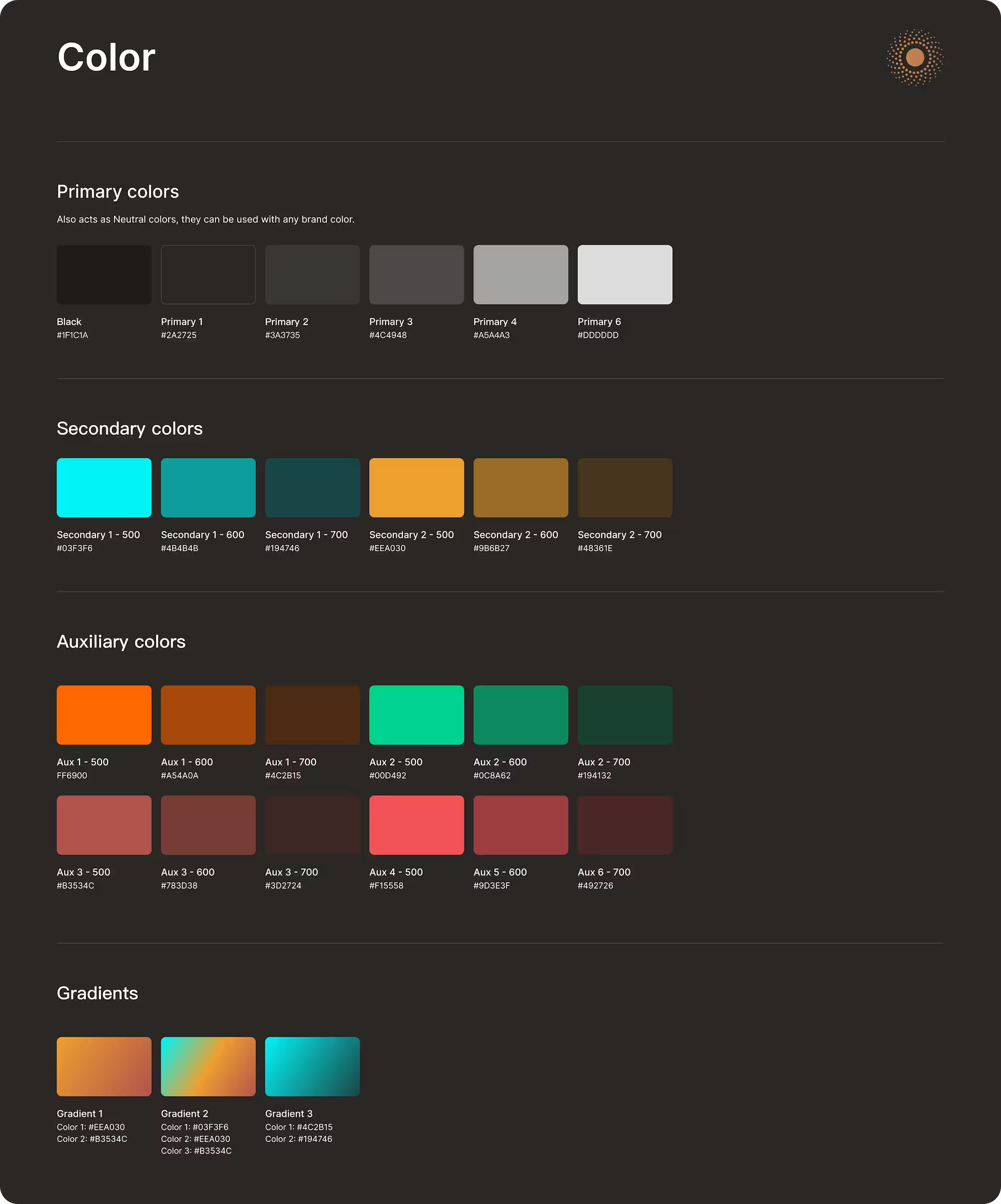
The Importance & Status Spectrum: I implemented a unified color logic across all UI elements, including buttons, tags, alerts, and system messages, to communicate urgency and state at a glance:
Cool Cyan: Indicates optimal performance, “Active” / “On” states, and healthy throughput.
Amber: Signifies medium performance or “Idle” states.
Orange: Reserved for warnings, system alerts, or detected phantom loads.
Muted Red: Suboptimal states, power-draining devices, low-yield panels, or poor energy-efficiency.
Pure Green: Reserved for successful completions and validated system status. This token indicates a successful change of state.
Vivid Red: Reserved exclusively for danger levels, high loads, critical failures, and “Shield Active” emergency states.

Almost there.

 I’m currently finalizing the high-fidelity prototypes and metrics for this project. If you’re curious about the process behind this one in the meantime, let’s chat.

Scroll to Top